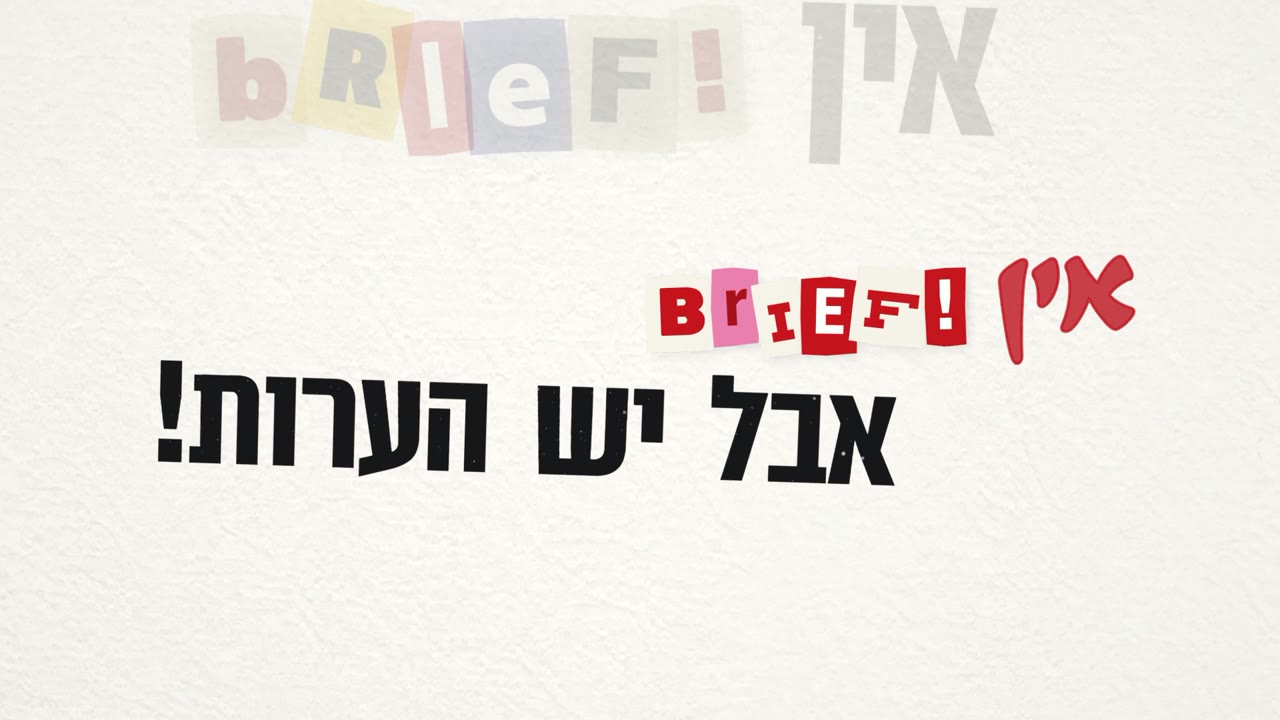
אין
קליפ טיפוגרפי של ארבע דקות בלי קאט אחד. מצלמה תלת־ממדית אחת מטיילת על קיר של ניירות משרד, וכל מילה נוחתת בדיוק כשהיא מושרת. כתבתי את הבריף, נתתי הערות ואישרתי. Claude בנה, תזמן ובדק. כאן כל התהליך, כדי שתוכלו לעשות את זה בעצמכם.
הפרומפט
ההודעה הראשונה, מילה במילה. איתה צירפתי את מסמך המילים (שורות בסוגריים הן המקהלה), את השיר המלא, שני ערוצי שירה נפרדים (סולן ומקהלה) ושני קליפי רפרנס. בתחילת ההודעה הפעלתי את ה-Skill שלי, /lyric-motion-director.
ההערות שלי בדרך
כאן נמצא רוב הערך. כל הערה קצרה שינתה כלל בכל הקליפ, לא רק סצנה אחת.
הרפרנסים
Sympathy For The Devil, Lyric Video
 לצפייה ביוטיוב
הקליפ הרשמי של הרולינג סטונס.
מה לקחנו ממנו:
- קיר אחד רציף, בלי קאטים. המצלמה נודדת עליו בזווית מוטה.
- האותיות נכתבות על הקיר ברגע שהן מושרות.
- טקסט ישן נשאר על הקיר, והקיר מתמלא ככל שהשיר מתקדם.
רעיון · קליפ טיפוגרפי שלי
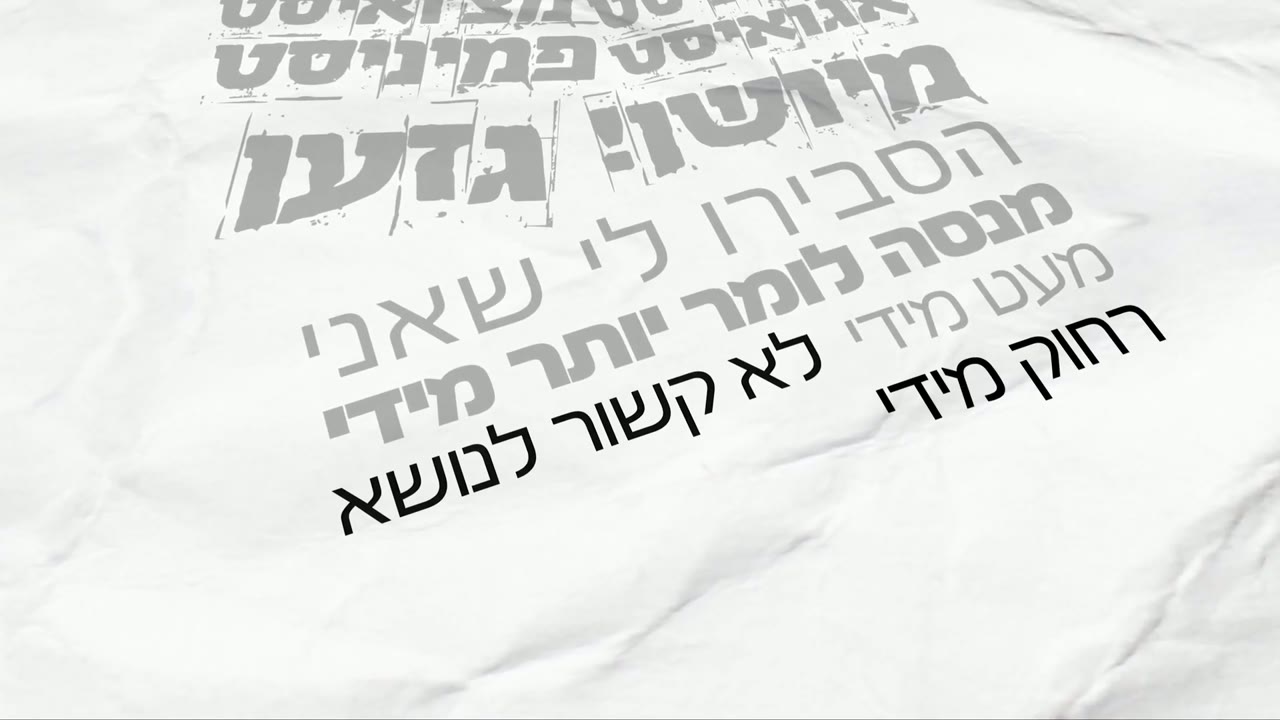 לצפייה ביוטיוב
מה לקחנו ממנו:
- נייר מקומט לבן ודפוס שחור בהיררכיה ברורה.
- תנועות מצלמה מדויקות, עם הטיות קטנות בתלת־ממד.
- שורות קודמות שהופכות לאפורות כשהשורה הבאה נכנסת.
ה-Skill: במאי תנועה לקליפ מילים
Skill הוא קובץ הוראות ש-Claude טוען לפני העבודה. כתבתי אותו אחרי הקליפ הקודם שלי, "רחמים", מתוך כל ההערות שחזרו על עצמן. הוא מלמד את Claude את הטעם ואת שיטת העבודה שלי, כך שלא צריך להסביר הכל מחדש בכל פרויקט.
מה כתוב בו, בקצרה
- תזמון: מפרידים ערוצי שירה ובודקים כל מילה מול השירה. הכניסה של מילה מסתיימת עליה, לא מתחילה עליה.
- רעיון אחד לכל שורה, בלי לחזור על אותה אנימציה. שורות קצרות מאחדים לסצנה אחת שחיה.
- מצלמה: תנועה אחת רציפה, בלי קפיצות, בלי גימיקים מסתובבים.
- אף פעם לא פריים שחור ולא פריים קפוא, גם באמצע מעבר.
- הטקסט תמיד שלם בפריים, טיפוגרפיה צפופה, ועברית מימין לשמאל.
- תנועה פיזית אמיתית: נפילה ישר למטה, ושום דבר לא עובר דרך הרצפה.
- בדיקה עצמית של כל רינדור לפני שמראים לי משהו.
- סבב הערות עם סטוריבורד. הערה = לתקן, ריק = מאושר.
התקנה
מורידים את הקובץ lyric-motion-director.skill.
ב-claude.ai: הגדרות, ואז יכולות, ואז העלאת Skill, ובוחרים את הקובץ.
ב-Claude Code: פותחים את הקובץ כמו זיפ ומעתיקים את התיקייה lyric-motion-director אל ~/.claude/skills/.
מה צריך במחשב: ffmpeg לבדיקות פריים אחרי פריים, ו-Python + Whisper לתזמון אוטומטי. בלי אלה ה-Skill עדיין עובד ומבקש את מה שחסר.
הטקסט המלא של ה-Skill (באנגלית, כמו ש-Claude קורא אותו)
---
name: lyric-motion-director
description: A senior motion director's method and taste for kinetic-typography lyric videos and music clips, in any tool (After Effects, three.js/code, Blender, Premiere, AI video). Covers timing text to the sung word, planning one idea per line, motion and typography rules (smooth camera, no gimmicks, tight type, never-cut backdrops, RTL Hebrew), self-QA on rendered frames before showing anything, and a storyboard review loop where a written note means "fix" and an empty note means "approved". Use this whenever someone is making or fixing a lyric video, kinetic typography, animated text to music, a typographic music clip, title animation synced to a song, or is reviewing / giving notes on rendered motion frames, even if they don't say "lyric video" (e.g. "make the words land on the beat", "the camera feels jumpy", "build me a storyboard so I can write notes").
---

# Lyric Motion Director

This is the working method of a senior art director / motion designer, distilled from real review
rounds on a 3D kinetic-typography clip that went from "same thing again" to "perfect". It is
tool-agnostic: apply it in After Effects, in code (three.js, canvas, Remotion), in Blender, or when
directing AI video. The rules come with their reasons, so you can judge new situations instead of
following them blindly.

The director is usually not a programmer. Talk about what changes **on screen**, not in code.

## The loop

1. **Time the text to the voice** (see "Timing").
2. **Plan one idea per line** (see "Planning").
3. **Build.**
4. **Watch it yourself before showing anything** (see "Self-QA"). This is the step that most often gets
   skipped and it is the one that costs the most trust: sending a render you did not watch, and that
   turns out stale or broken, makes every later round harder.
5. **Review round with a storyboard** (see "Review loop"). Read the notes, fix exactly what was flagged,
   render a new version, QA again, publish the next round.
6. When the director says it is done, **write down what was learned** (taste rules, failure modes) so
   the next project starts from it. If this skill is installed from a master folder (see `CHANGELOG.md`),
   add the general lessons to the skill itself, add a version entry, and repackage the `.skill` file.

## Timing: text lands ON the sung word

- Separate the vocals into stems if you can (lead / backing). Timing from the full mix is worse.
- **Lead vocal:** speech-to-text with word timestamps (e.g. Whisper large-v3 with VAD) on the isolated
  lead stem is very accurate.
- **Choir / backing vocals:** transcription fails on polyphonic singing. Take phrase boundaries from the
  stem's energy and word positions from its onsets.
- **Verify every word against the singing, not against an earlier pipeline's numbers.** Onsets lie when
  something else sounds there (an ad-lib, a held previous word, bleed): in the source project a stray sound
  put a verse 2 s early, a choir hook sat 3 s late, and the closing phrase was sung twice at times nobody
  had marked. Run `scripts/audit_words.py` (flags any word placed where its singer is silent) and check
  doubtful starts by ear-substitute: stem loudness every 0.05 s, and Whisper on that single phrase.
- **The director's ear beats the machine on choir lines.** When they name a time and the words they hear
  there, trust it and check the stems around that time.
- **Forced alignment** (aligning known lyrics to audio) drifts badly if the text assigned to a stem is
  even slightly wrong. Use it only when the per-stem text is exactly right.
- **Entrances must finish on the word, not start on it.** A text that starts animating when the word is
  sung reads as late. Shift word times ~0.2 s earlier, start letter animations ~0.25 s before the word,
  and cut to a new scene ~0.2 s before its first word.

Details and a ready Whisper recipe: `references/lyric-timing.md`.

## Planning: one idea per line

- **One visual idea per lyric line, and no repeats.** The same animation on every line is the fastest way
  to make a clip feel cheap. Make each idea come from the words (a stamp for "approved", a wrecking ball
  for "destroy", a clock for "all day").
- **Call and response gets a visual code**, e.g. lead = white, choir = orange. Keep it consistent.
- **Short lines that pass too fast to read: merge, don't speed up.** Put consecutive lines in one longer
  scene where ONE object keeps living: it gets painted on the beat by a moving mask, squashes and
  stretches, inflates, spins, shrinks. The eye doesn't have to re-read new text each time and the song
  feels connected. This was the single best fix in the source project.
- **Real, recognizable objects that physically act on the words** land better than abstract props: an
  iPhone that shows the message, phones circling the sung line, a grand piano whose keys play the song's
  actual notes, sheets crumpled into paper balls and thrown in a bin, a wrecking ball that breaks the
  TEXT, letters that drop into a heap. What gets rejected is a prop that replaces or hides the words.
- **When an idea works, keep its set alive** across the next lines (the piano carried three scenes)
  instead of cutting to a new concept.
- **Show only what is sung.** No decorative extra words, and nothing that reads as extra text (a shadow
  of the lyrics on a surface reads as a second copy).
- **Prefer a continuous camera journey to hard cuts when the music flows.** Scenes laid out side by side
  in reading direction; the camera glides from one to the next with real motion blur. Keep a cut
  version too and let the director compare.

## Motion and typography taste

Each rule here came from a note that kept coming back until it was respected.

- **The camera never jumps.** One continuous, eased move per shot. Things that read as "the camera went
  crazy": a camera that steps per beat or per letter, a look-at target that snaps, a fly-through that
  changes direction, a move right then left. If a move is needed, ease in and out and go one way.
- **No spinning gimmicks.** A cube doing quarter-turns on every beat was hated: identical faces turning
  fast read as flicker and jumping. Instead, animate the letters into place on each sung word (rise out
  of the floor, flip up from lying flat, drop and land).
- **Never a static frame, never a black frame** ("it's a rule in animation"). After the entrance keep
  something alive through the hold: slow push, drift, sway, a punch on the next word, things that keep
  falling. And no empty frame between scenes either: see "Scene changes" below.
- **Physical motion must look physical.** Something that "loses its grip" trembles, then drops straight
  down under gravity (no arcs), lands, bounces once, settles. Nothing passes through the floor or through
  another object (rest each piece on its lowest point). Debris that lands on a surface stays there.
- **Type is always whole in frame.** If a layout grows (rows added, words squeezing in), frame the camera
  for the finished layout from the start, and cap how big a lone word may grow.
- **No plates or planes behind text.** A surface behind type shows its edge or a lit band ("the lighting
  broke again"). Light the type instead. A floor under a scene must fade out softly before the frame edge.
- **Tight typography.** Small word spacing and line spacing on display type, especially condensed faces.
  Default font spacing is usually too loose.
- **Secondary elements fade in; only the hero cuts in.** A wall of repeated phrases should fade up around
  the main phrase, not pop.
- **One colour family per scene.** Vary with light, not with mixed materials. Two rows in a different
  colour from the rest looks like a mistake.
- **A backdrop never shows its edge in frame, and neither does a wall/floor seam.** Make backgrounds far
  bigger than the view at every camera position, or remove the floor where it would meet a wall.
  Objects meant to be objects (a sheet of paper, a clock face) may show their edges.
- **A held shot shows only the current idea.** Text from a neighbouring scene in frame is wrong, even
  far away in a corner. Neighbours may appear only while the camera is travelling.
- **Things that must stay visible long enough:** the whole phrase must be readable and complete for a
  beat before the cut. "Disappears too fast" means the phrase was complete for well under a second.
- **Avoid:** noise/grain, flicker, gimmicky glow, the same animation repeated, people/characters made of
  primitives in code.
- **Before restructuring, understand why the approved look works.** In the source project the later
  scenes had no floor only because they happened to sit past the floor's edge; a restructure put them on
  a floor and broke the approved look. Keep approved looks deliberately.

### Scene changes in a camera journey

- Halfway through a move the camera points at the empty space between two scenes: that is a black
  frame. Leave the old scene only ~0.3 s before the next scene's first word (so it is already rising),
  pull the camera back a little mid-move so both scenes are in view, keep the old scene drawn until the
  camera has nearly arrived.
- Let the next scene's non-text graphics (a grid being drawn, falling documents, phones) be there on
  arrival; words still appear only when sung.
- When two scenes belong together, build them in the same place and let the old text recede into the
  dark slowly while the new one draws in, instead of travelling.
- Endings: one strong final image (letters dropping into a heap, then black), not a recap of the journey.

### Hebrew and other RTL text

- Words read right to left: letter-by-letter animations run from the rightmost letter; punctuation
  ("!!!", "...") sits on the **left**; a prefix word ("רק") joins on the **right**.
- Build words from glyphs in logical order and place them right to left; never trust a tool to shape
  RTL for you without checking a rendered frame.
- Check every Hebrew word in a rendered frame: reversed, mirrored or unshaped text is invisible in data
  and obvious on screen.
- Spelling matters to the director (e.g. "הכל" vs "הכול"): use the spelling from the lyrics they gave.

## Self-QA: watch it before you show it

Stills lie about motion. Do all three:

1. **Whole clip, contact sheet every 0.25-0.5 s.** Is every sung word fully visible at the moment it is
   sung? Anything empty, clipped, black, unreadable?
2. **Every changed scene at 12 fps.** This is where camera jumps, fast turns, flicker, pops and
   one-frame glitches show up. Lay the frames out in a grid and compare positions frame to frame.
3. **After any structural change** (new transitions, merged scenes, moved layouts): the whole clip again,
   not only the scenes you touched. Structural changes have side effects (a light reflecting on a floor
   that wasn't there before, a neighbour drifting into frame).

4. **Machine audits** before you look: `scripts/audit_clip.py clip.mp4` lists black frames, still holds
   and one-frame jumps with their times; `scripts/audit_words.py` lists words placed where nobody sings.
   They find in seconds what is easy to miss in sheets; then look at each hit.

Fix what you find before the director sees it, then tell them what you caught. Commands:
`references/qa-and-storyboard.md`, helpers: `scripts/contact_sheet.py`, `scripts/audit_clip.py`,
`scripts/audit_words.py`.

When the director asks you to be critical and polish ("surprise me"), run the audits, watch the whole
clip, and fix systemic causes (one engine rule for all transitions) before one-off patches. Report what
you found that they had not flagged, and which approved scenes your fixes touched.

## Review loop: storyboard with notes

- Build **one storyboard page per project, same link every round**: per scene 3-4 key frames (entrance,
  all words in, end of scene; a 4th for long scenes), the lyric, the scene idea, timecodes. Click a frame
  to enlarge it; click a frame's timecode to insert it into the note.
- **The director's rule: a note with text = fix, an empty note = approved.** No per-scene buttons to
  click. Each round starts empty; show last round's note greyed above each box so they can verify it.
- Notes should save themselves where you can read them back (a shared store, a doc, a sheet), so the
  director never has to paste notes into chat.
- Pick key frames with `scripts/keyframes.py` (frames from the timing data, not at random).

## Versions and scope

- Every render is a new file (v3, v4, ...). Keep previous versions for comparison.
- A new concept (e.g. "no cuts, one camera journey") is a separate source and output. Never overwrite
  the approved version to try an idea.
- **Fix exactly what was flagged.** Don't restyle approved scenes. If a global change (spacing,
  lighting) touches them, say so explicitly.
- Keep a short handoff file next to the project: what changed in each version and why.
- Don't run paid AI generation without asking first.

## Talking to the director

- Short answers, in their language. No jargon: say what they will see ("the camera now only moves
  left"), not what the code does.
- They often send one frame with a timecode and one line. Find that exact frame, see what they see,
  then fix it.
- They give direction, not specs ("smoother", "merge these", "try it without cuts"). Make the design
  decisions, then say in a sentence what you chose and why.
- When something you changed is a judgment call, or touches approved work, say so in one line.

## Common failure modes

| What the director says | Usual cause | Fix |
|---|---|---|
| "Text comes in late" | animation starts on the word | finish the entrance on the word (shift ~0.2 s earlier) |
| "Disappears too fast" | short line, slow entrance, early cut | faster entrance, later move-out, or merge lines into one evolving scene |
| "Camera goes crazy / jumps" | stepped camera target, direction change, snapping look-at | one eased move in one direction; check at 12 fps |
| "It flickers" | fast identical rotations, popping elements | remove the spin; animate letters instead |
| "Background is cut" | backdrop smaller than the view, wall/floor seam | huge backdrop, hide the seam |
| "Still see the previous scene" | neighbours in frame during a hold | show neighbours only while travelling |
| "Too static" | nothing moves after the entrance | slow drift / swell / turn through the hold |
| "Same thing again" | stale render / wrong version | check the version banner and watch the output before sending |
| "The word is there before he sings it" | timing taken from a stray onset or an early pipeline | re-check against the stem (`audit_words.py`, loudness every 0.05 s) |
| "A black moment between scenes" | mid-move the camera sees the gap; the new scene is empty on arrival | leave ~0.3 s before the next word, pull back mid-move, keep the old scene drawn |
| "Nothing happens here / a static frame" | a hold with no motion | slow push, drift, sway, continuous falling objects |
| "Falls in a weird arc / goes through the floor" | fake easing instead of gravity; pivot not on the lowest point | straight drop under gravity, rest on the lowest point, one bounce |
| "The text is cut" | a layout that grows after the camera framed it | frame for the final layout from the start |
| "The lighting broke" | a plate or plane behind the text, a floor with an edge | remove it; soft-fading floor |
התהליך, שלב אחרי שלב
ערוצי שירה נפרדים
את השיר יצרתי ב-Suno. עם מנוי Pro אפשר לפרק שיר לערוצים (Stems), וכך הוצאתי שני קבצים נפרדים: שירת הסולן לבד, והמקהלה לבד. זה הבסיס לכל התזמון. מהערוץ אפשר לדעת בדיוק מי שר כל שורה. ככה גילינו ש"למחר!" ו"כבר מאוחר!" בפזמון הראשון מושרים בקול של הסולן, למרות שבמסמך הם בסוגריים.
תזמון של כל מילה
Whisper (תמלול אוטומטי, רץ על המחשב) זיהה את המילים של הסולן עם זמנים. המקהלה לא מתמללת טוב, אז הגבולות שלה נלקחו מהעוצמה של הערוץ. אחר כך כל שורה יושרה לבד בחלון הזמן שלה, ובסוף כלי בדיקה עבר על כל 292 המילים ובדק שאף מילה לא מופיעה כשאף אחד לא שר. בסבב הראשון הוא מצא מילה אחת מוקדמת ב-0.2 שנייה, ותיקנו.
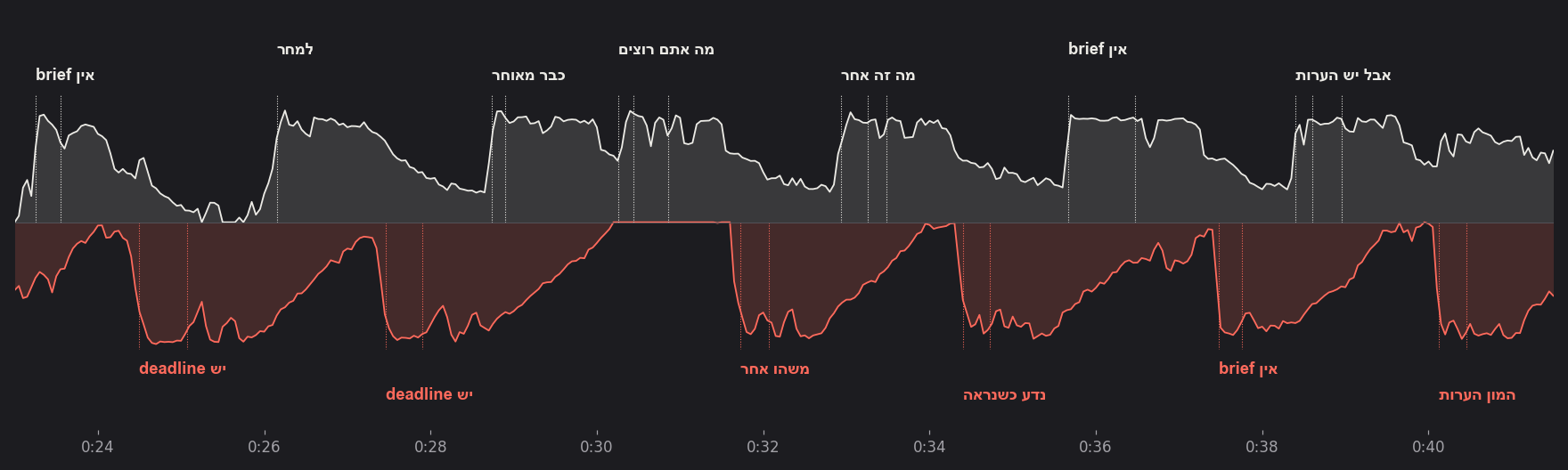
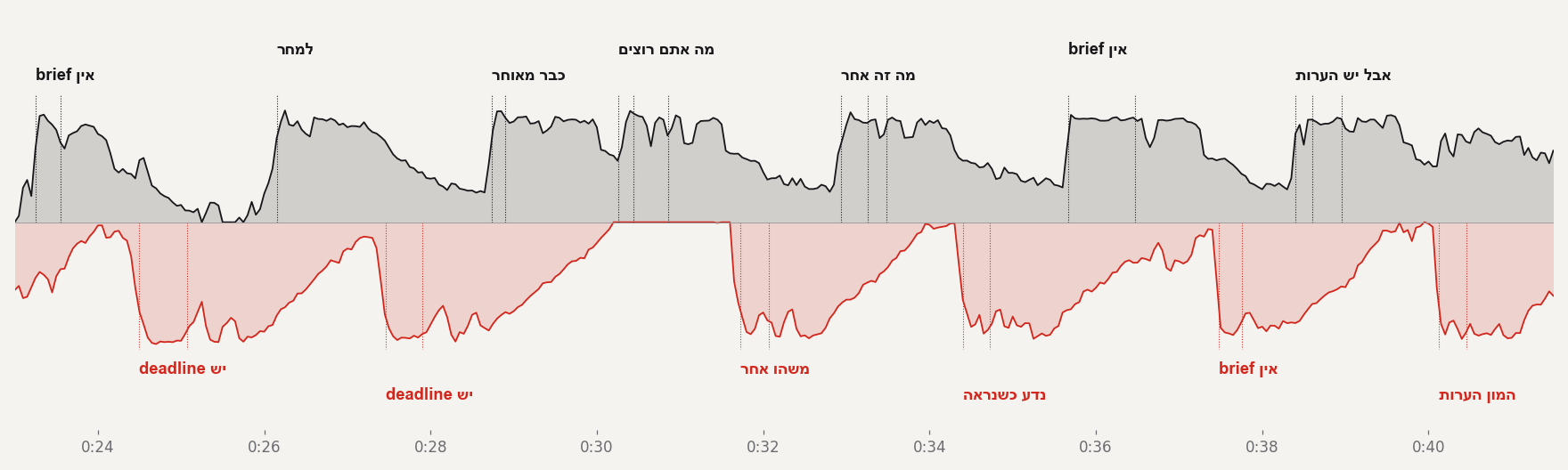
הפזמון הראשון (0:23–0:41). למעלה עוצמת הסולן, למטה באדום עוצמת המקהלה. כל קו מנוקד הוא מילה, והיא נוחתת בדיוק בתחילת ההרמה. ועוד כלל מה-Skill: כל מילה מסיימת להיכנס כ-0.2 שנייה לפני שהיא מושרת. אם האנימציה רק מתחילה על המילה, העין קולטת את המילה מאוחר.
תכנון: קוד צבעים ונייר לכל חלק
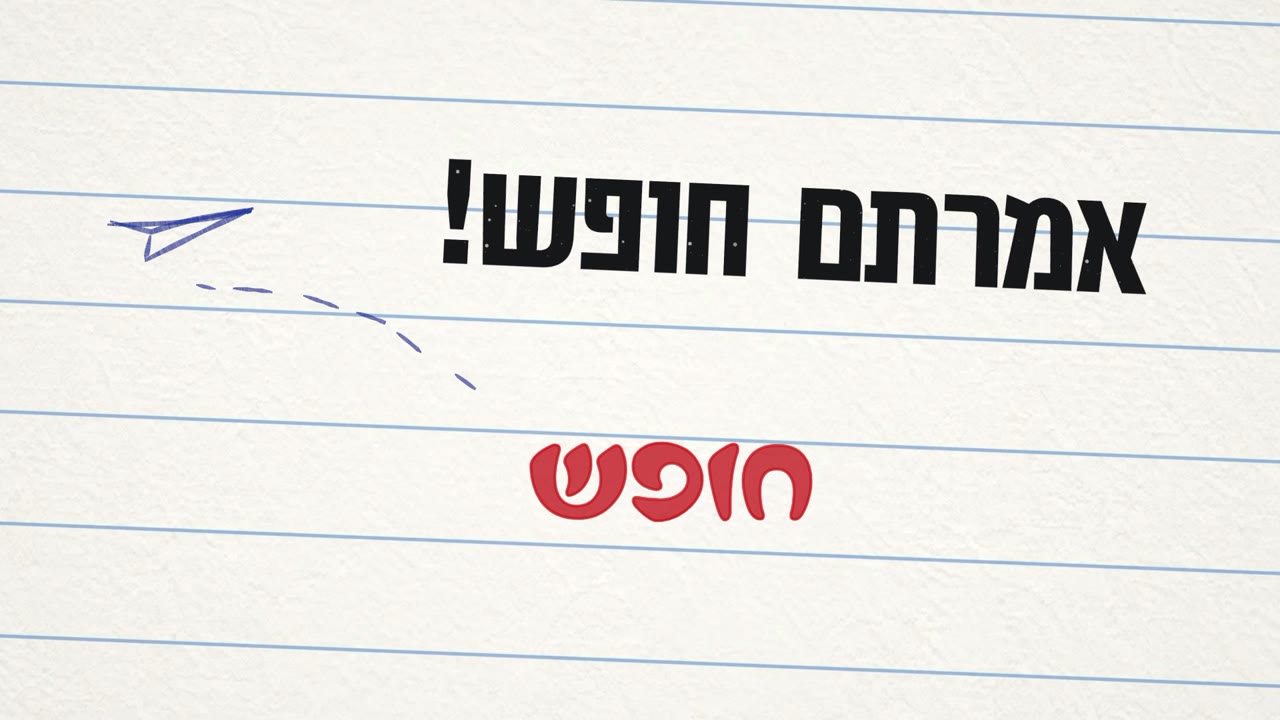
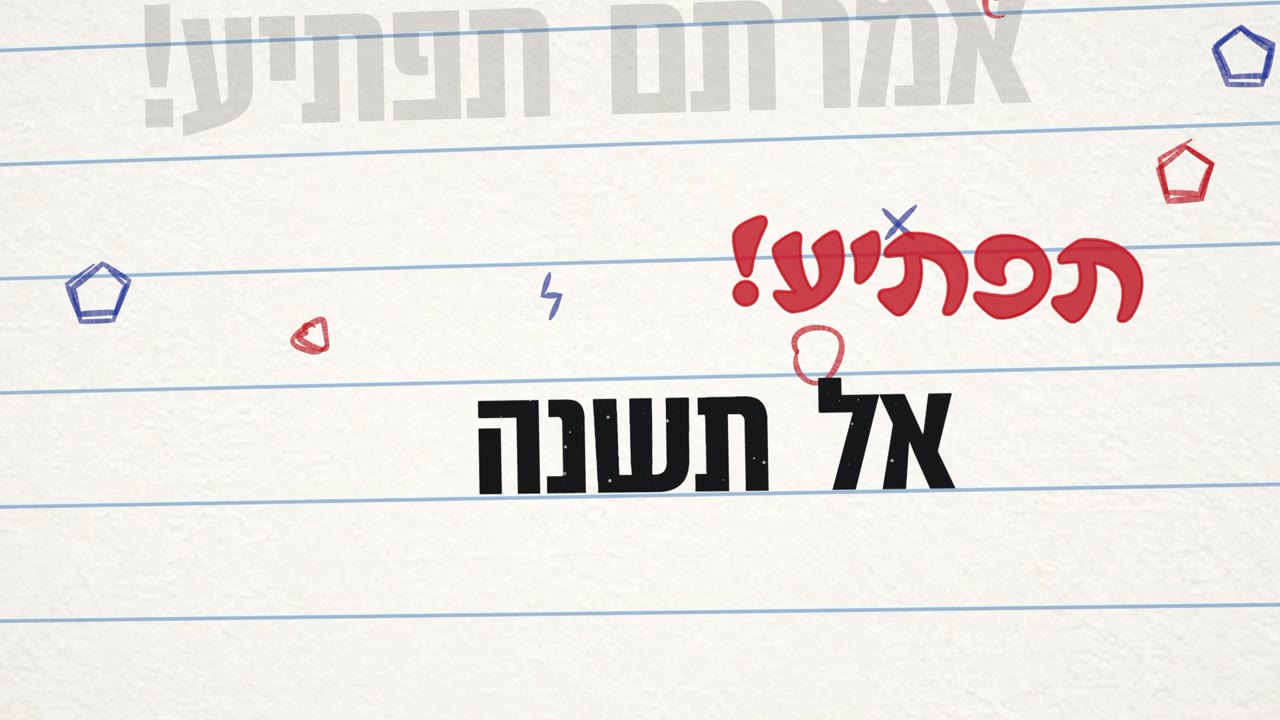
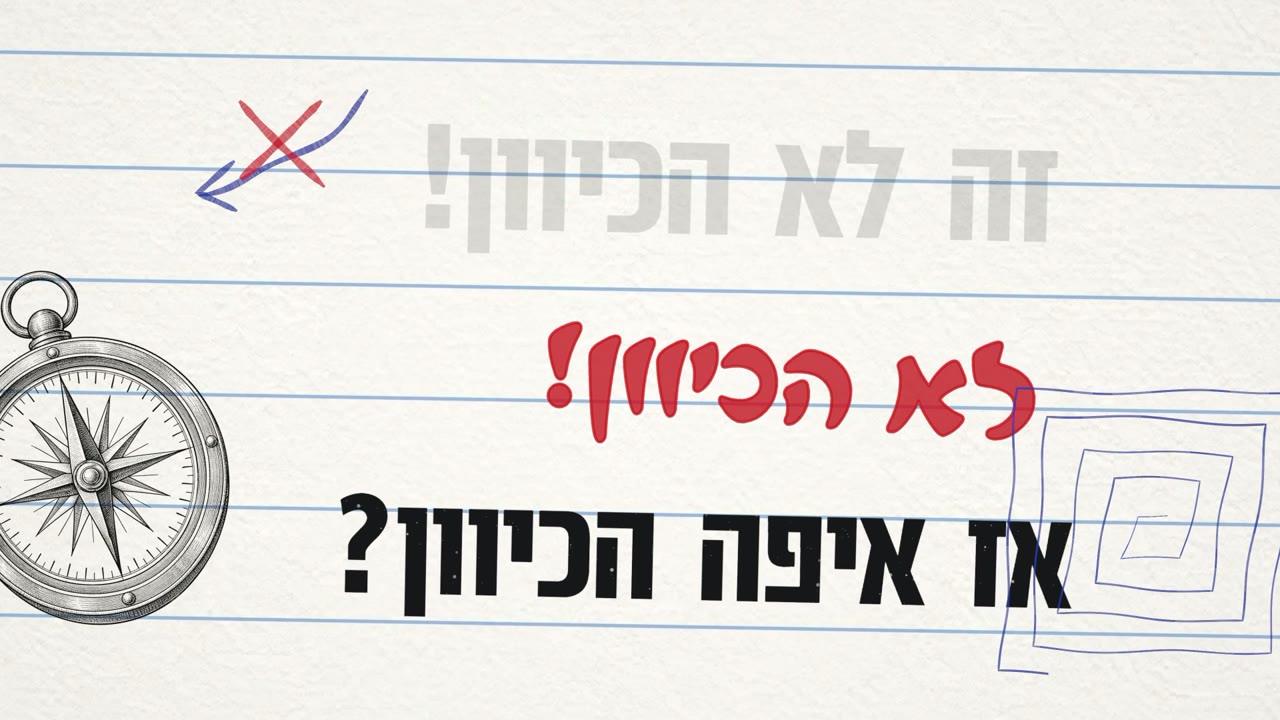
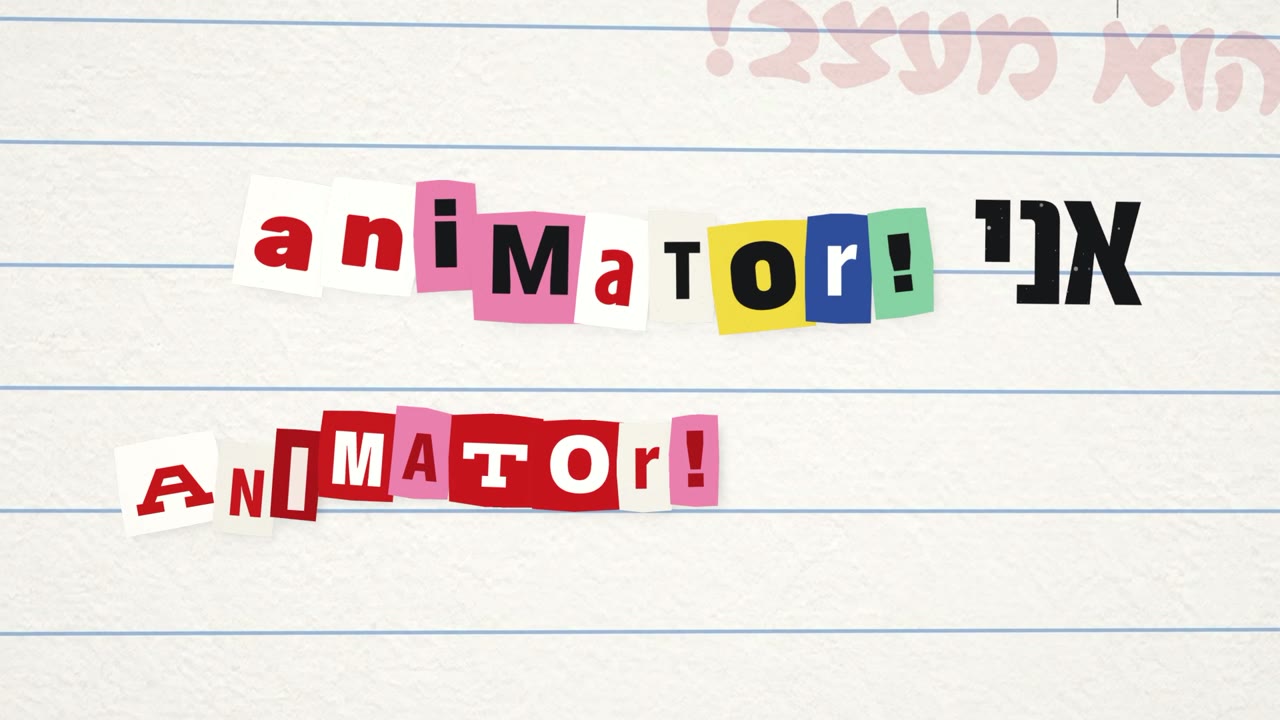
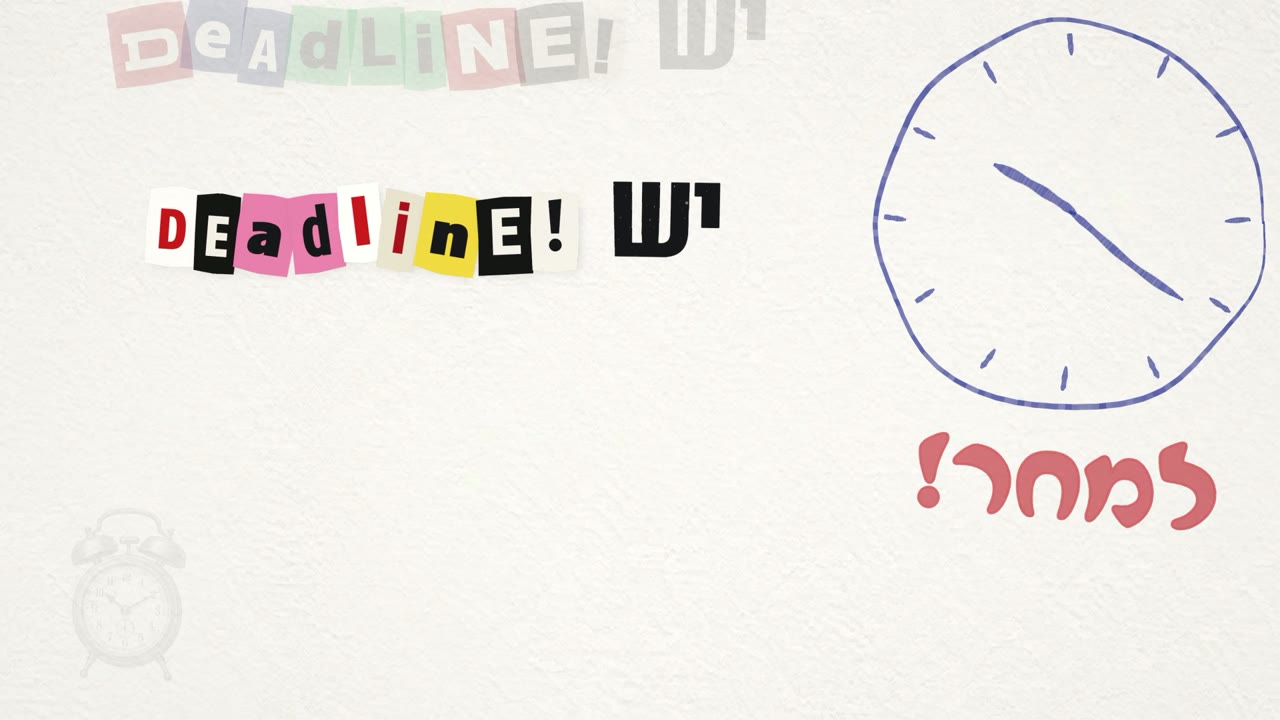
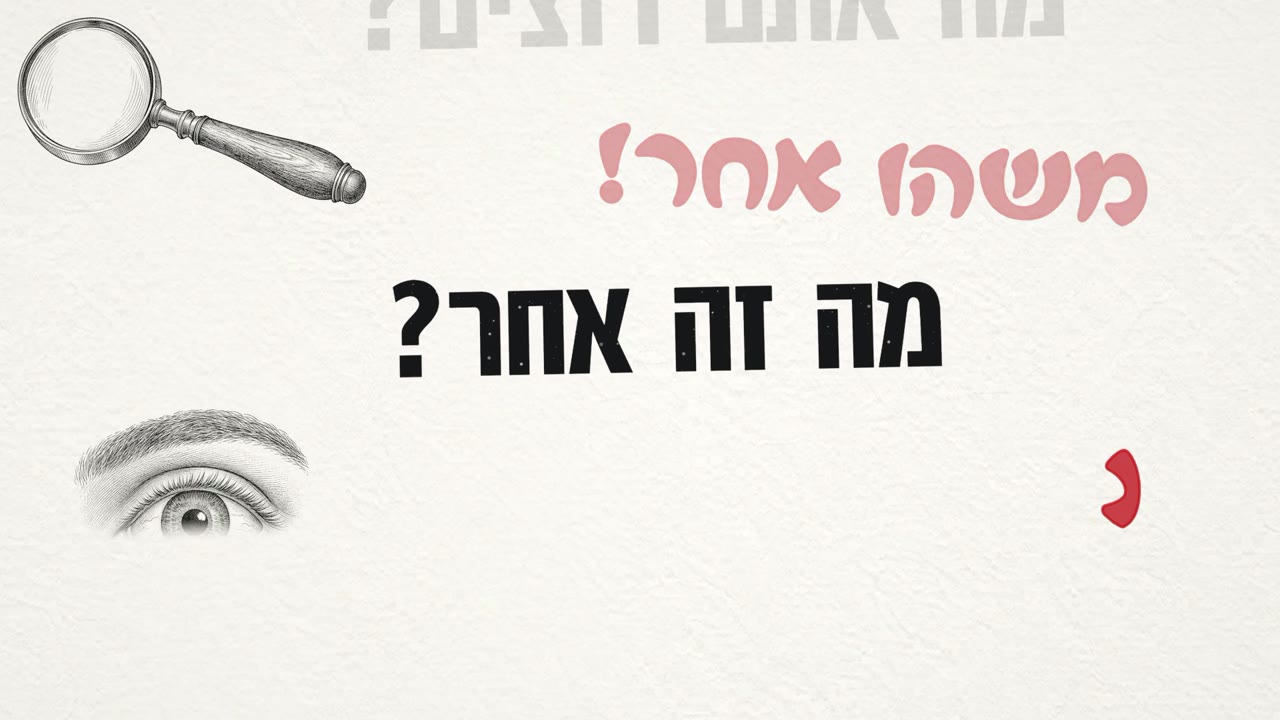
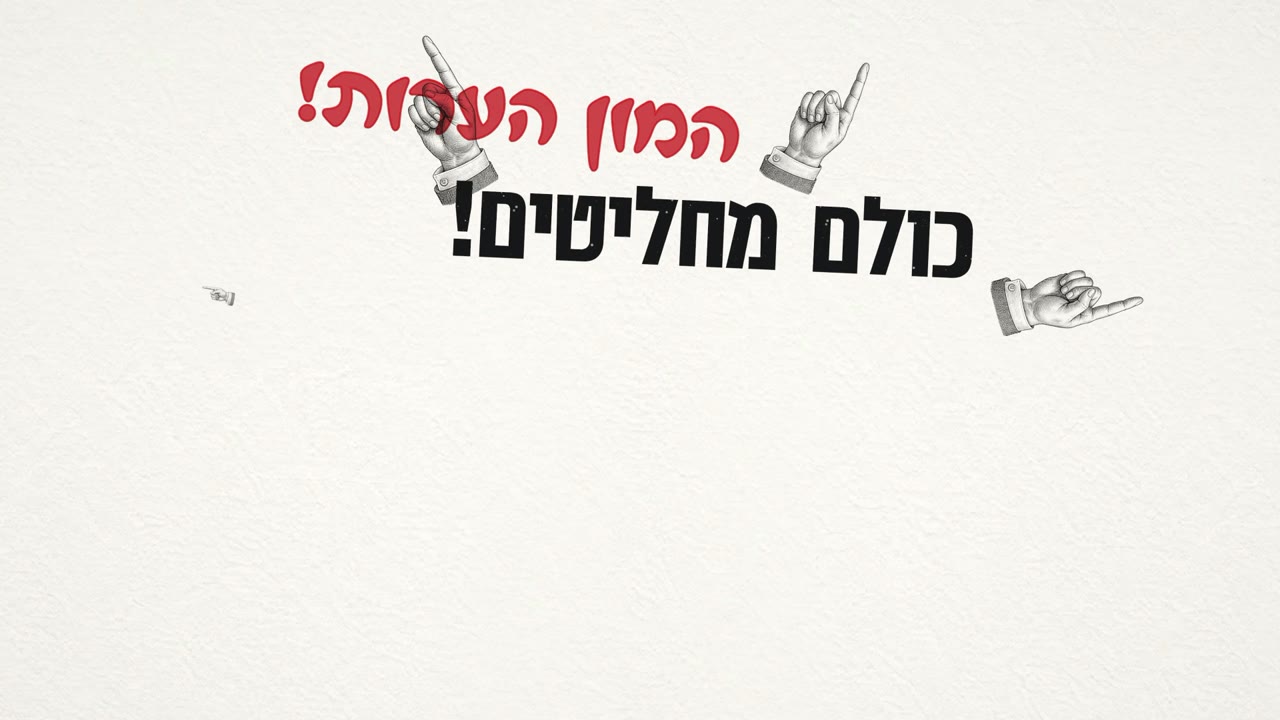
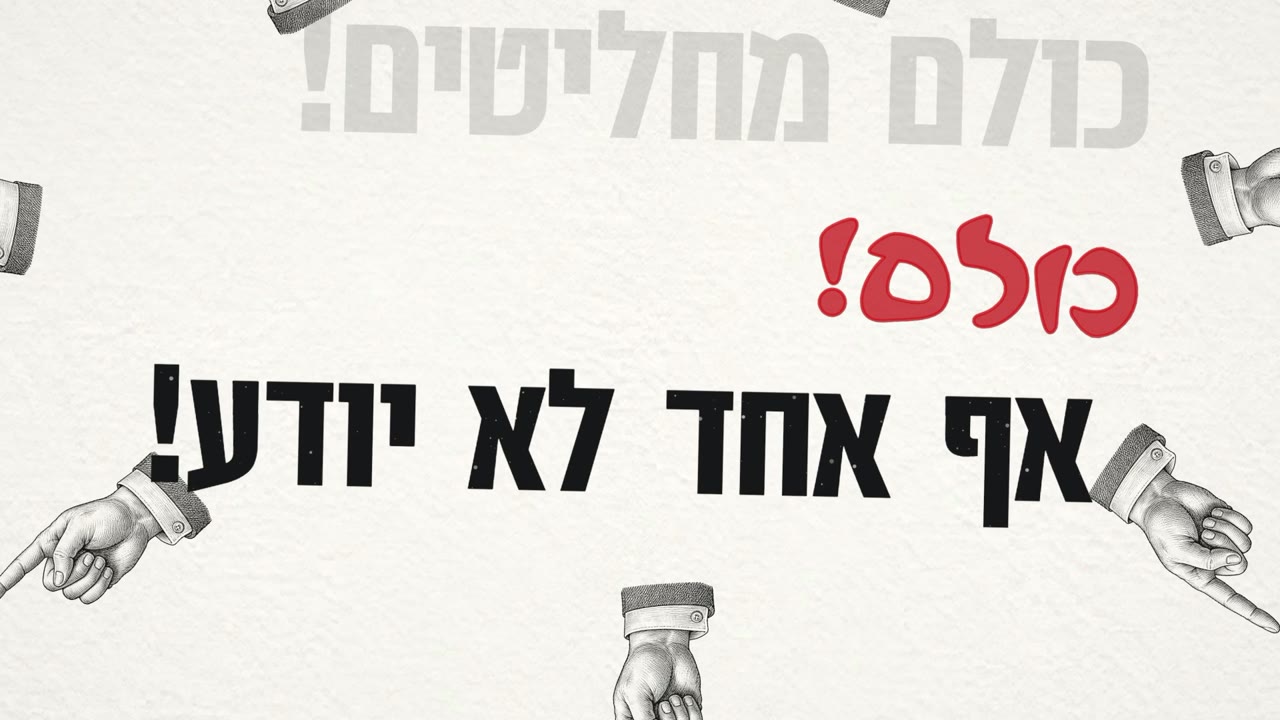
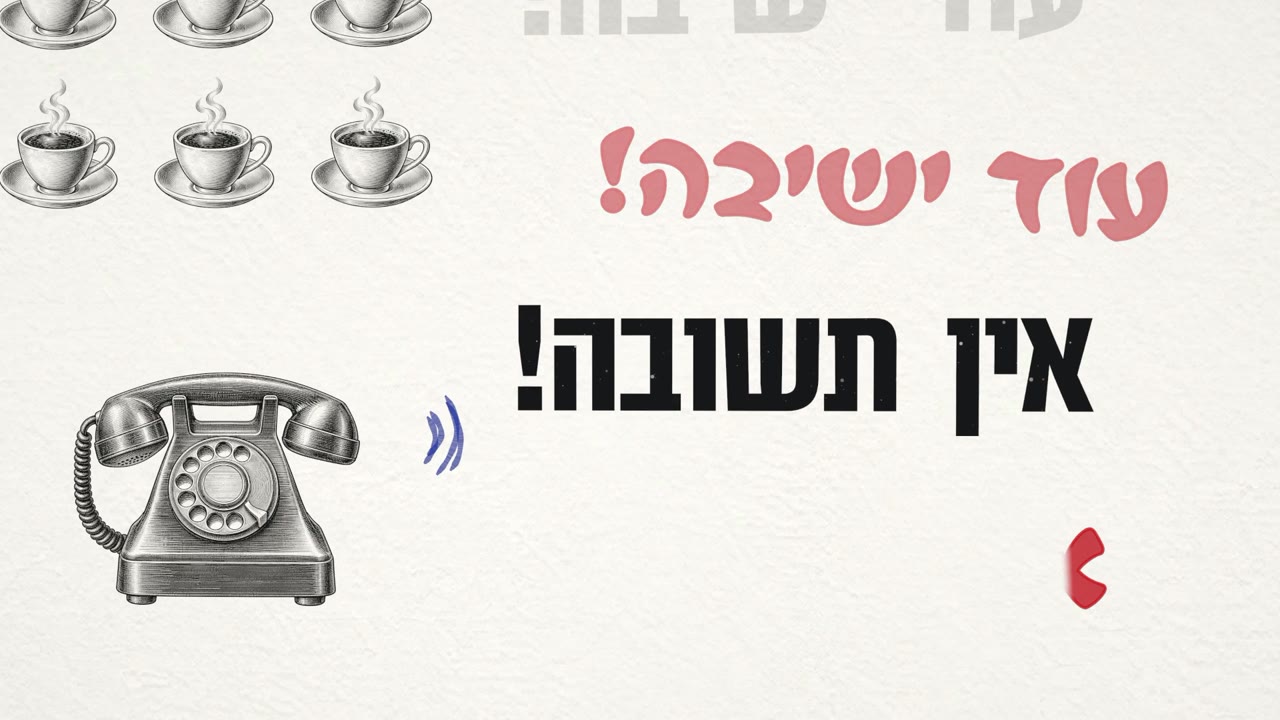
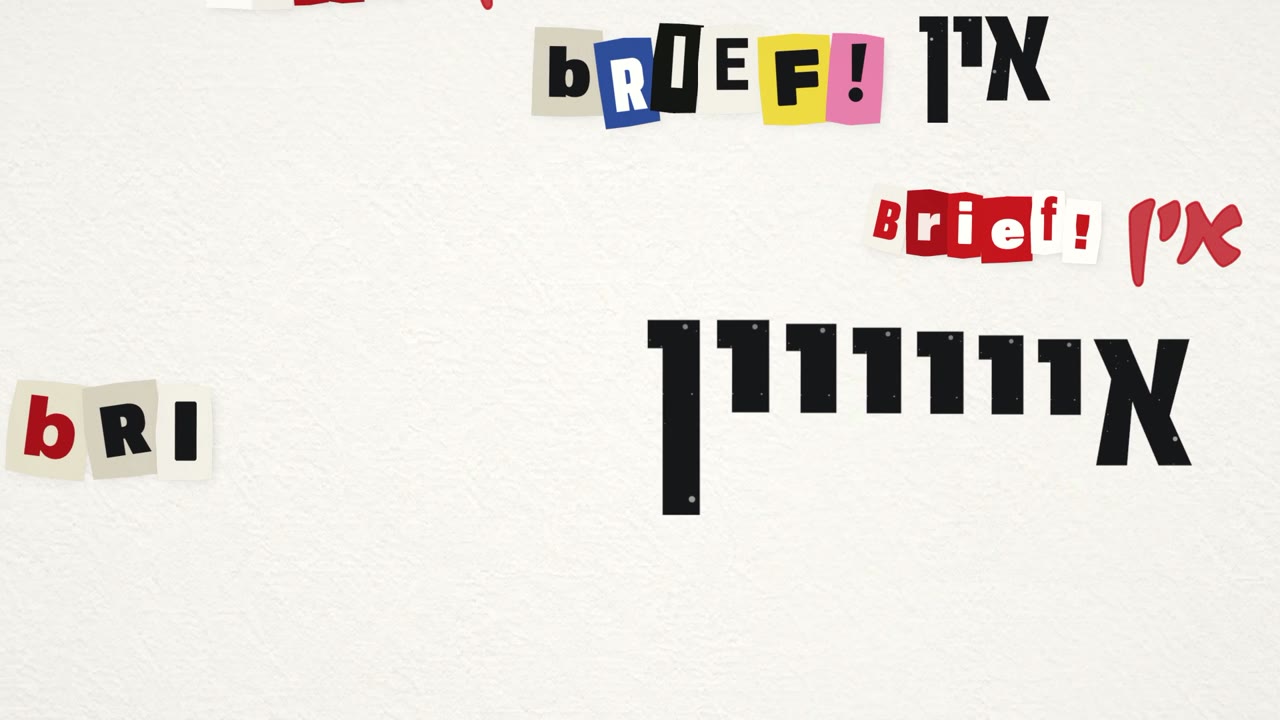
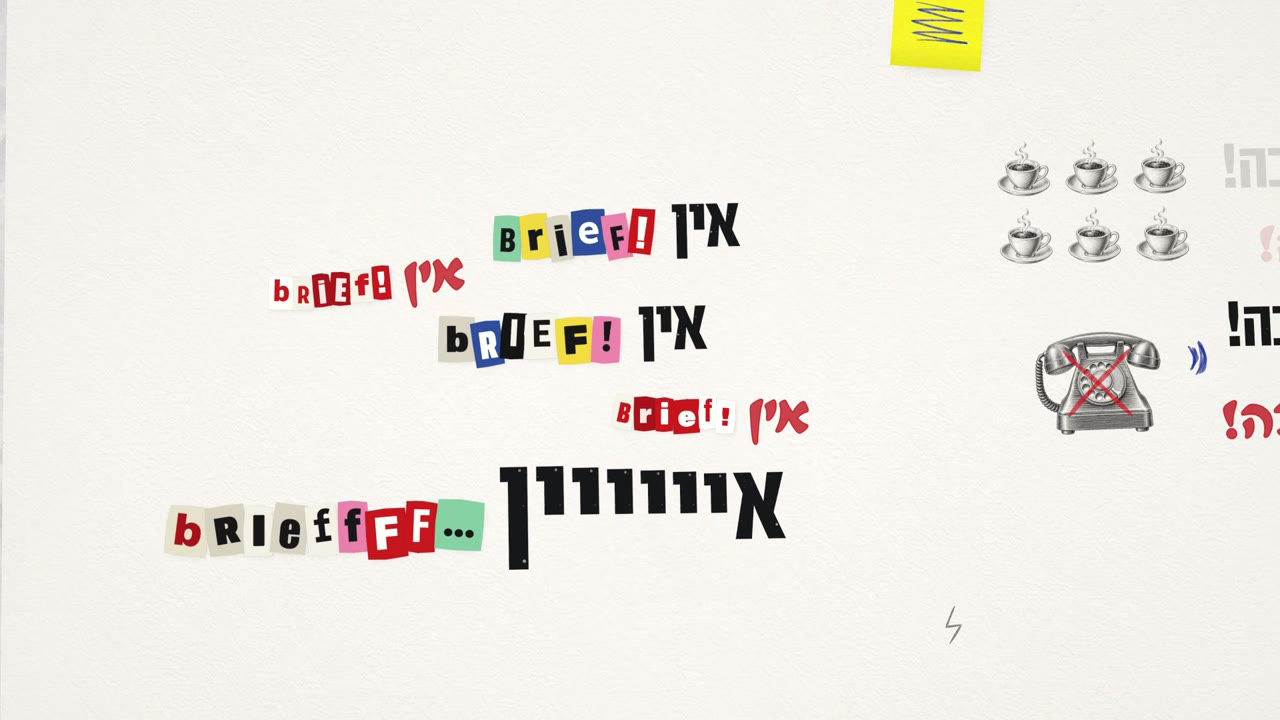
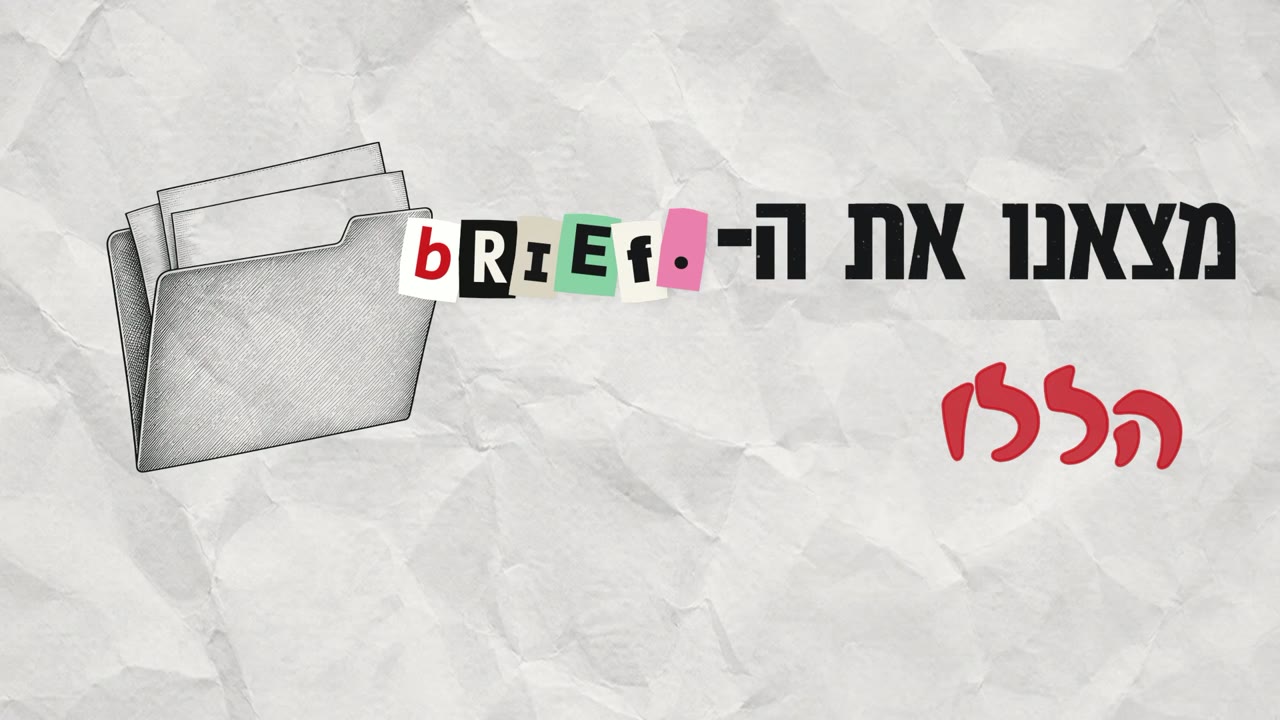
סולן = דפוס שחורמקהלה = טוש אדוםמילים באנגלית = אותיות גזורות ממגזיןשרבוטים = עט כדורי40 סצנות, ולכל אחת רעיון אחד שיוצא מהמילים: לוח שנה שהימים בו נמחקים ב-X ב"יש deadline", פתקים דביקים שיורדים כמו גשם ב"המון הערות", רוזטה שמשוכפלת בצבעים ב"כמו המתחרים", ודף שנקרע לשניים ב"זה לא זה!". הנייר מתחלף רק כשהשיר עובר חלק: פתיחה, פזמון, בית, גשר, שבירה וסיום.
חומרים: ניירות ואיורים
ל-Claude היה חיבור ישיר ל-Higgsfield דרך MCP (חיבור שמאפשר לו להפעיל כלים חיצוניים בעצמו), ולכן הוא יצר את כל התמונות לבד: כתב את הפרומפטים, הריץ אותם, הוריד את התוצאות והכין אותן לקליפ. בפרומפט ביקשתי ממנו להשתמש ב-GPT Image 2.5 ב-4K. יצאו 12 מרקמי נייר (מקומט, מקופל, בריסטול, מחברת, מילימטרי, עיתון, פתקים) ו-18 איורי חריטה בסגנון קטלוג ישן על רקע לבן. את הלבן הפכנו לשקיפות, כך שהאיור "מודפס" על הנייר כמו במצב מיזוג Multiply. בסך הכל 30 תמונות, כ-130 קרדיטים. לא השתמשנו בשום מודל וידאו.
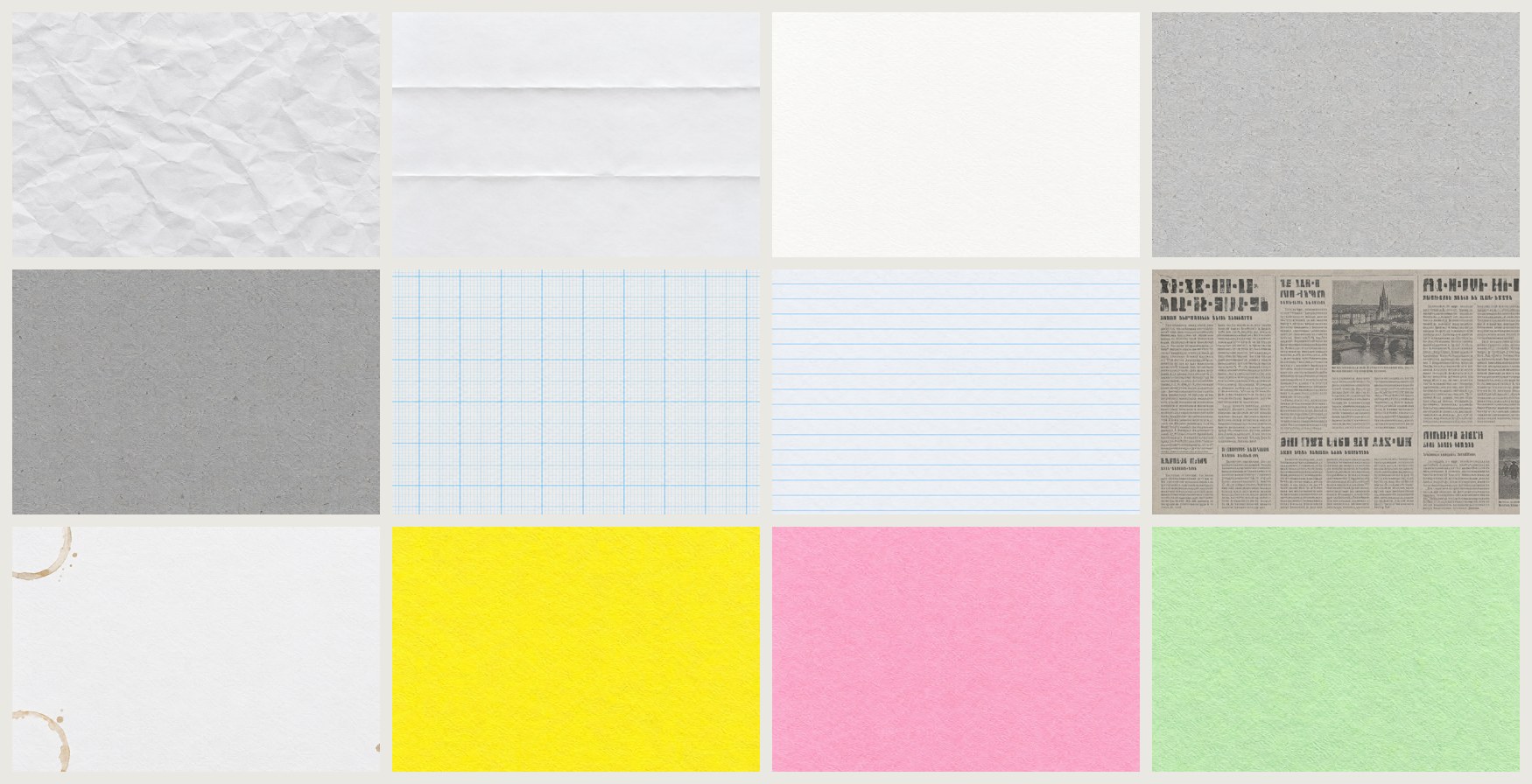
12 הניירות 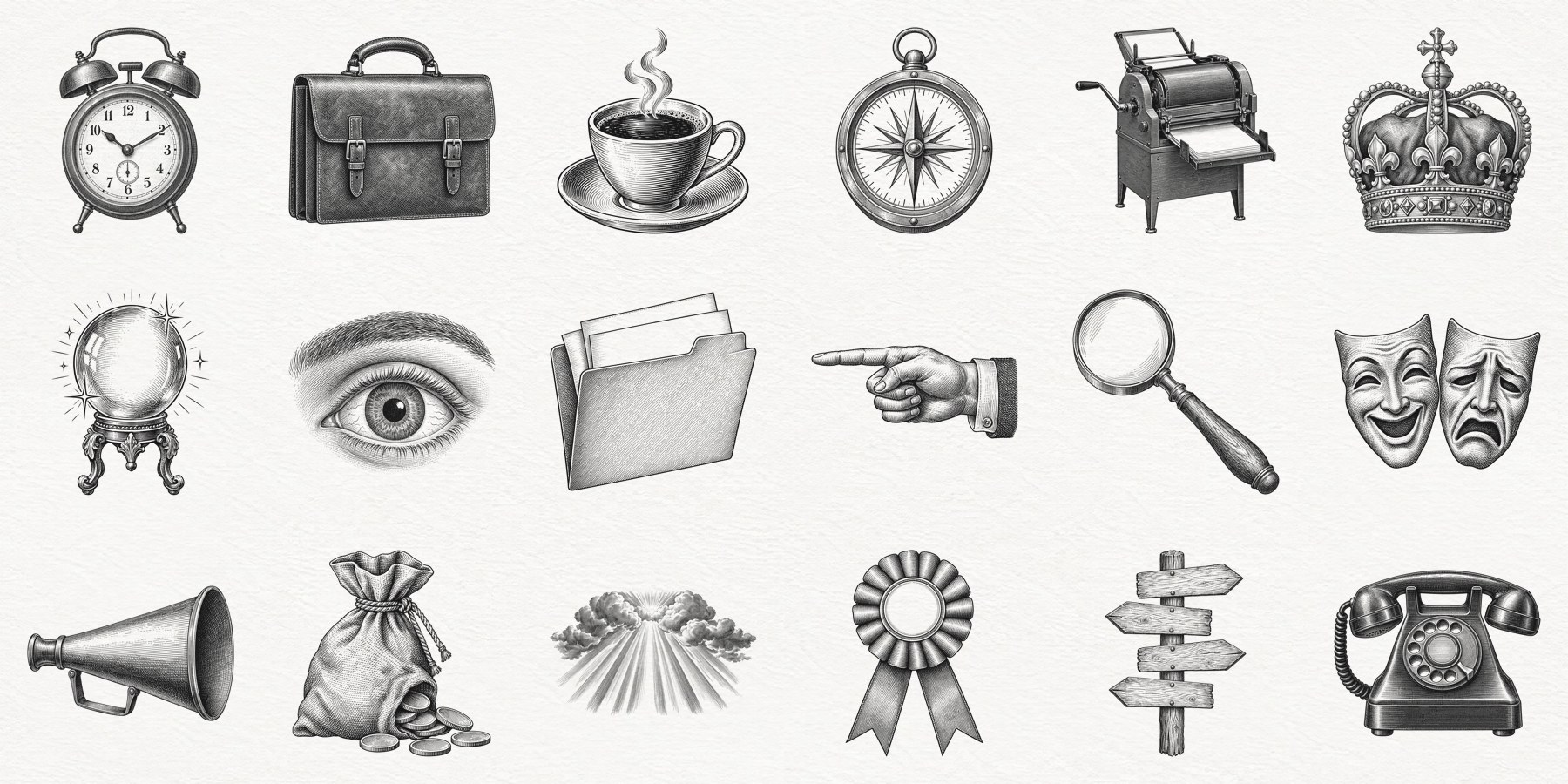
18 האיורים, מודפסים על הנייר המנוע: הכל שטוח, רק המצלמה בתלת־ממד
הקליפ נכתב כקוד: עולם three.js בתוך HyperFrames (כלי קוד פתוח שהופך עמוד אינטרנט לווידאו). כל דבר בו הוא דף שטוח: הנייר, האותיות, השרבוטים שמצוירים מעצמם והאיורים. רק המצלמה זזה בתלת־ממד, עם טשטוש תנועה במעברים. בתוך סצנה המצלמה עוקבת אחרי השורה שנשמעת עכשיו, ומשאירה בפריים את השורה שהיא עונה לה. רינדור של גרסה שלמה לוקח כחמש דקות.
בדיקה עצמית, לפני שאני רואה משהו
- דף פריימים של כל הקליפ, פריים כל חצי שנייה: האם כל מילה נראית במלואה ברגע שהיא מושרת?
- 12 פריימים בשנייה בכל מקום שהשתנה. כאן רואים קפיצות מצלמה, הבהובים וקפיצות פתאומיות.
- בדיקות אוטומטיות: פריים שחור, רגע קפוא, קפיצה של פריים אחד. בנוסף, בדיקה שכל שורה נכנסת במלואה לפריים ולא עולה על שורה אחרת, ושכל שורה אחרונה נשארת על המסך לפחות חצי שנייה לפני שהמצלמה זזה.
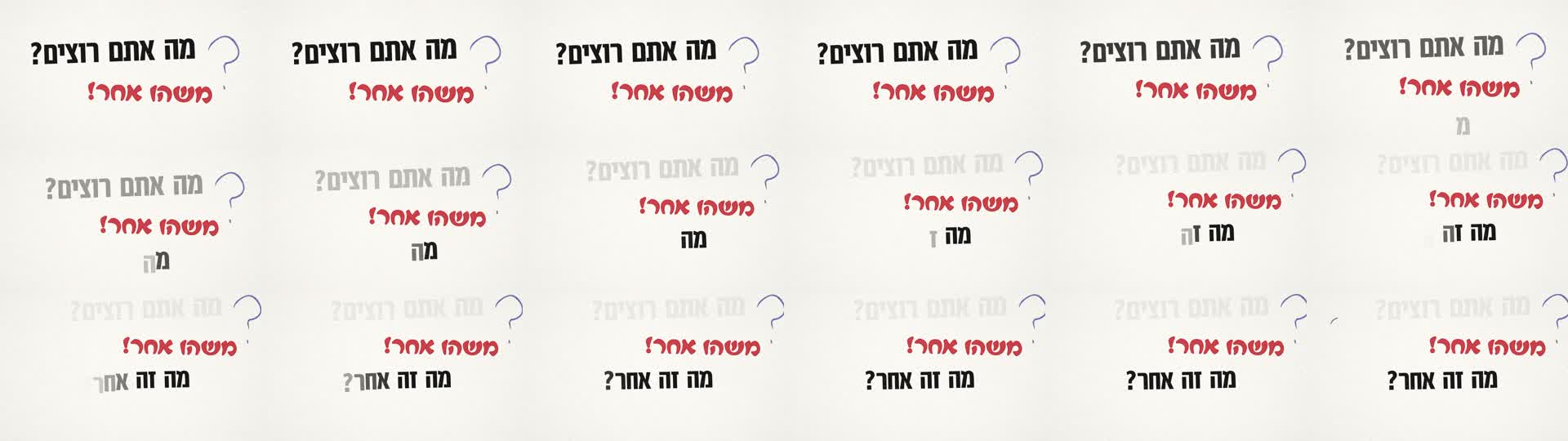
שנייה וחצי ב-12 פריימים בשנייה. עוקבים אחרי מילה אחת לאורך הפריימים: אם היא זזה בצורה חלקה, המצלמה לא קופצת. DARK (frames under 0.4% lit) .......... none STILL (no motion for 0.75 s or more) .... none WORDS placed where nobody sings ......... 0 of 292 LINES outside the frame / overlapping ... 0 of 142
אישור סטוריבורד על פריימים מרכזיים
לכל סצנה יש תיבת הערה. כתבת הערה = לתקן. השארת ריק = מאושר.
- אין כפתורים. לא לוחצים "מאושר" על 40 סצנות. מה שלא נגעת בו מאושר.
- הפריימים נבחרים מהתזמון, לא באקראי: הכניסה של המילה הראשונה, הרגע שכל המילים בפנים, והסוף של הסצנה. ככה אפשר להשוות בין גרסאות.
- לחיצה על זמן שמתחת לפריים מכניסה אותו להערה, כדי ש-Claude ימצא בדיוק את הרגע.
- ההערות נשמרות לבד בעמוד עצמו, ו-Claude קורא אותן ישירות. לא מעתיקים ולא מדביקים כלום לצ'אט.
- בכל סבב חדש ההערה מהסבב הקודם מופיעה באפור מעל התיבה, כדי לוודא שהיא תוקנה.
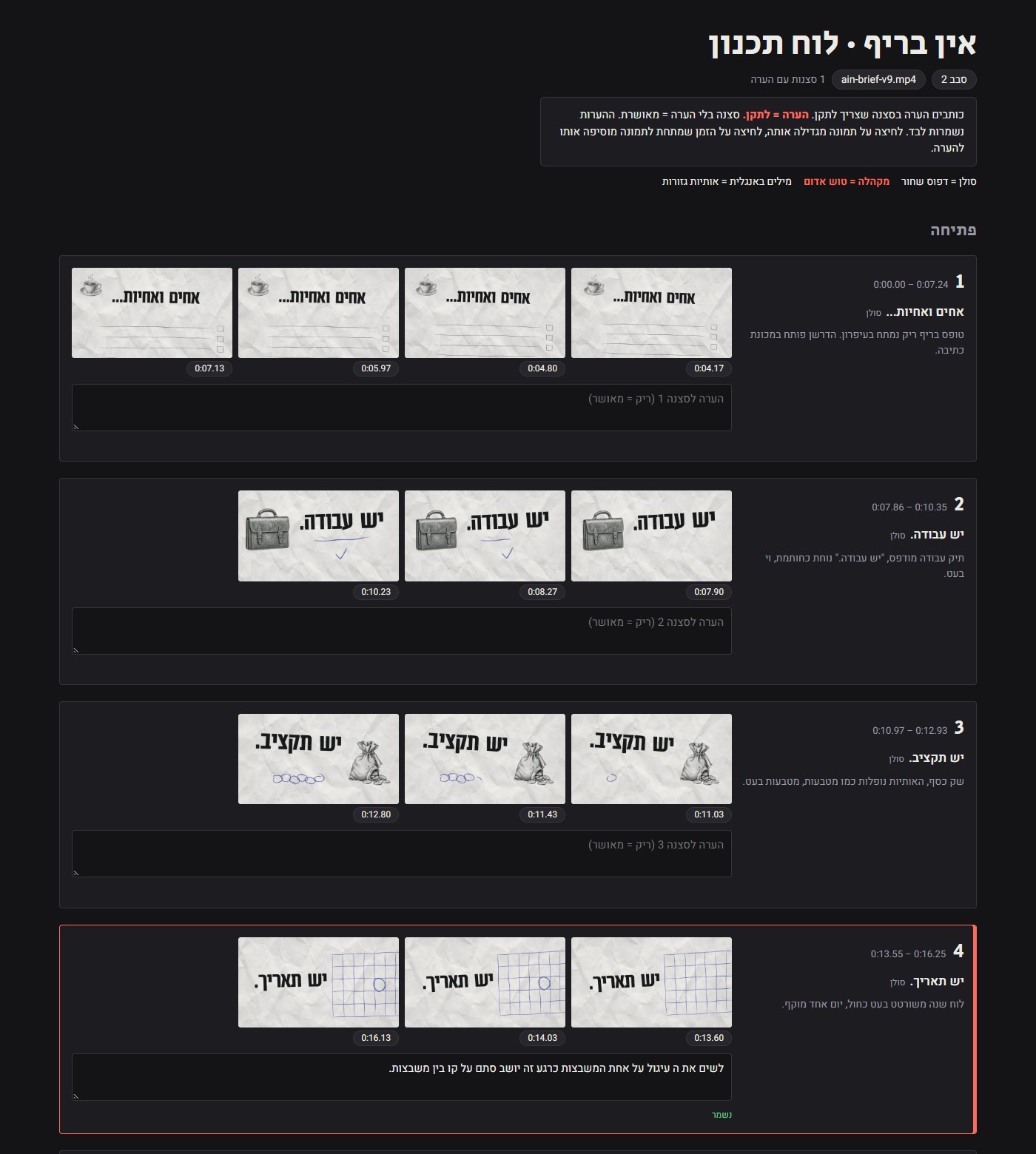
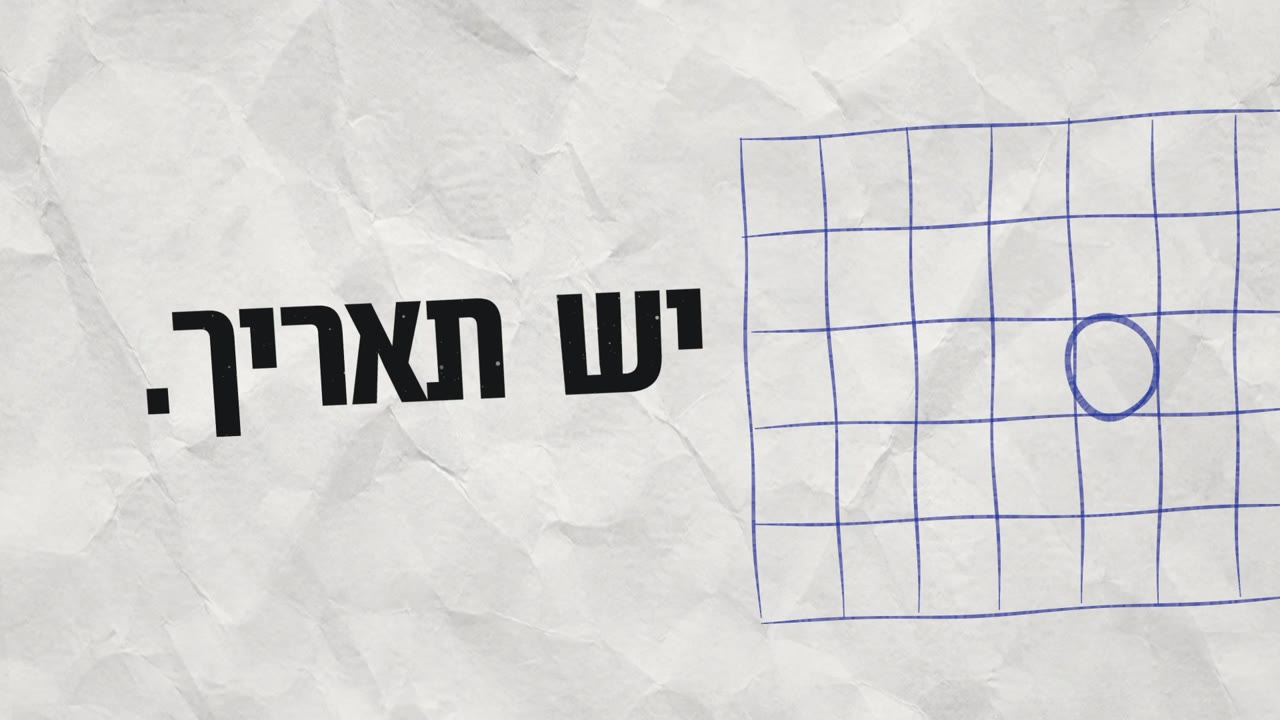
סבב 1: 36 מתוך 40 סצנות אושרו בלי לכתוב מילה. 4 הערות, ו-4 תיקונים:
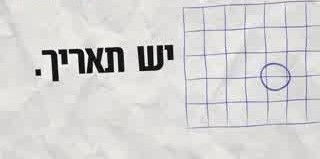
"לשים את העיגול על אחת המשבצות, כרגע זה יושב סתם על קו בין משבצות."
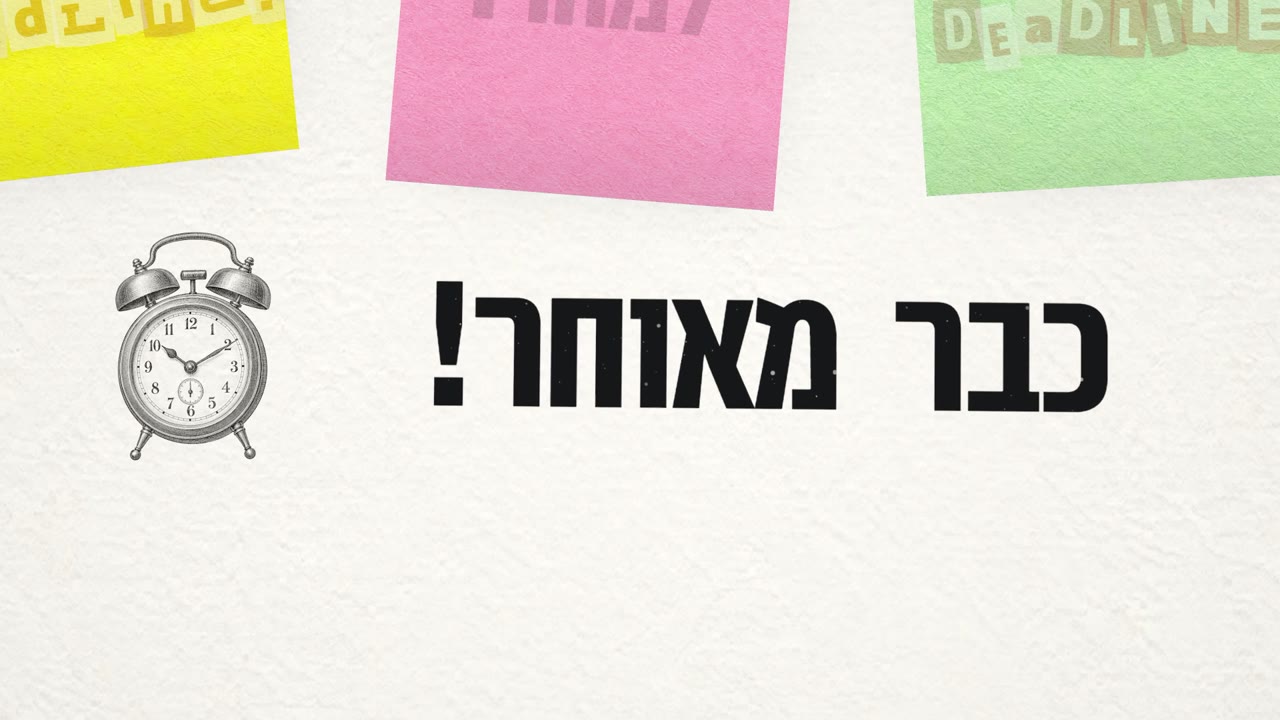
"החלק של 'כבר מאוחר' שייכנס מתחת לפתקים ושהמצלמה תתקרב אליו."
"הרוזטות: שיהיו בצבעים שונים ולא שקופים."
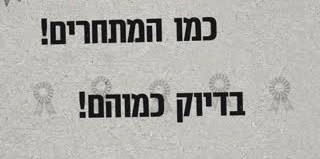

"לצמצם רווח בין שורות."
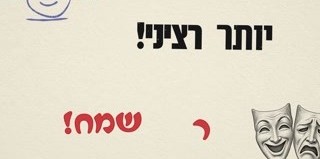
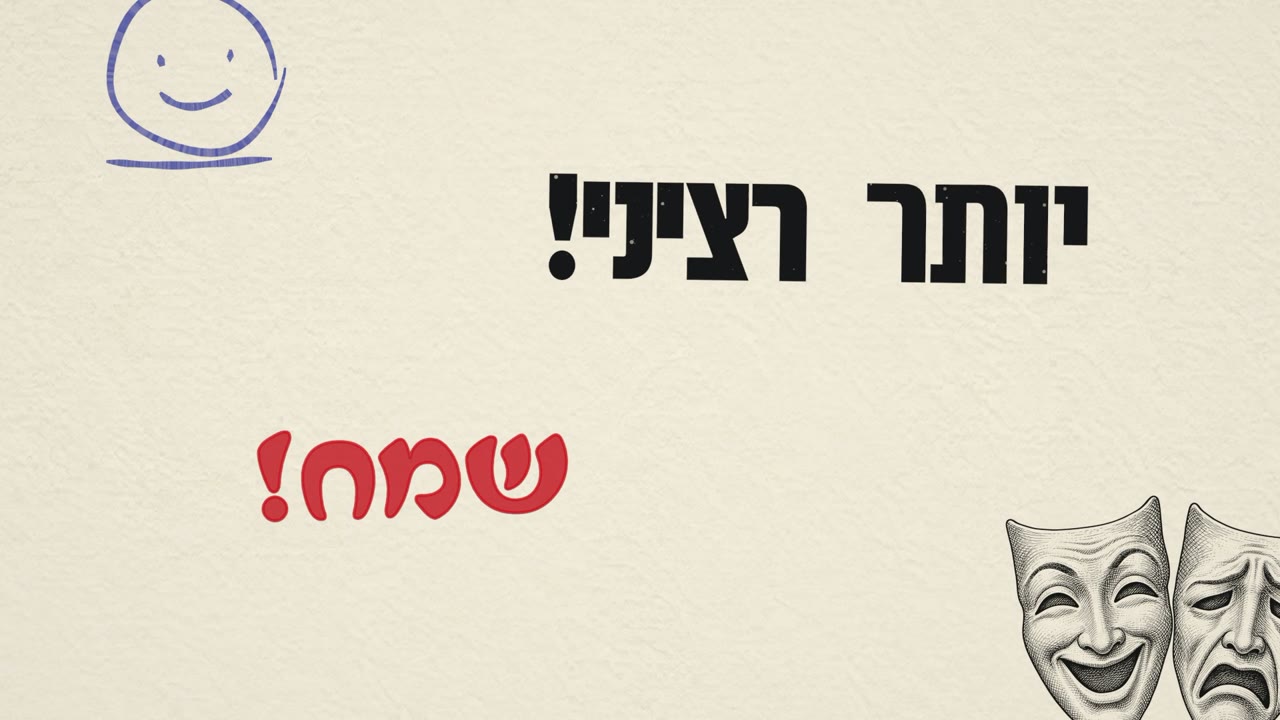
מגרסה 1 לגרסה 9
הגרסה הראשונה עבדה, אבל הייתה מוקטנת ומבולגנת. רוב השיפור הגיע מכללים חדשים שחלים על כל הקליפ, לא מתיקון סצנה אחרי סצנה.
נייר לכל חלק בשיר, לא לכל שורה
בגרסה 1 כל שורה קיבלה נייר משלה, והעין התעייפה. בגרסאות האחרונות יש נייר אחד לכל חלק, וחפצים כמו פתקים וגזירי עיתון יושבים עליו.
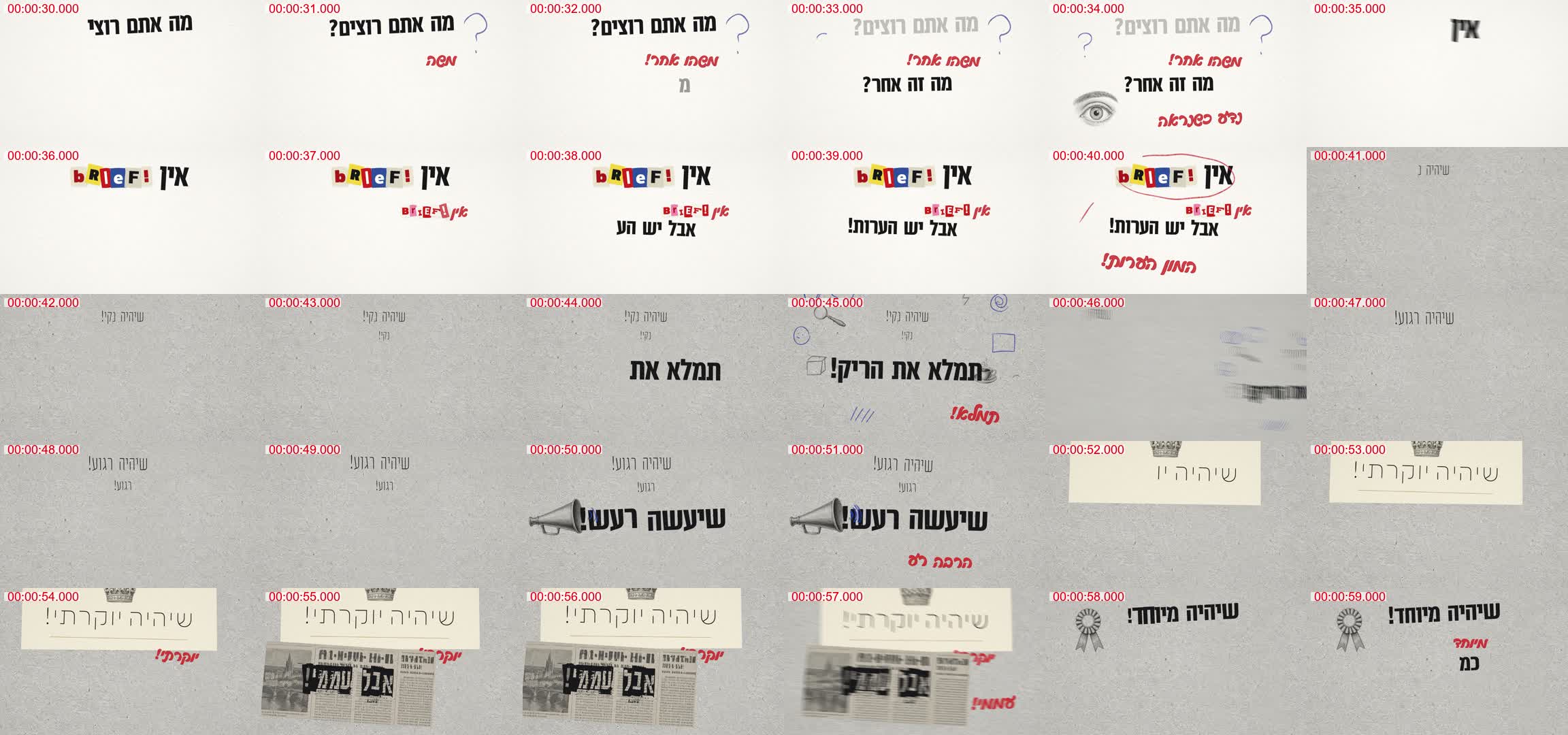
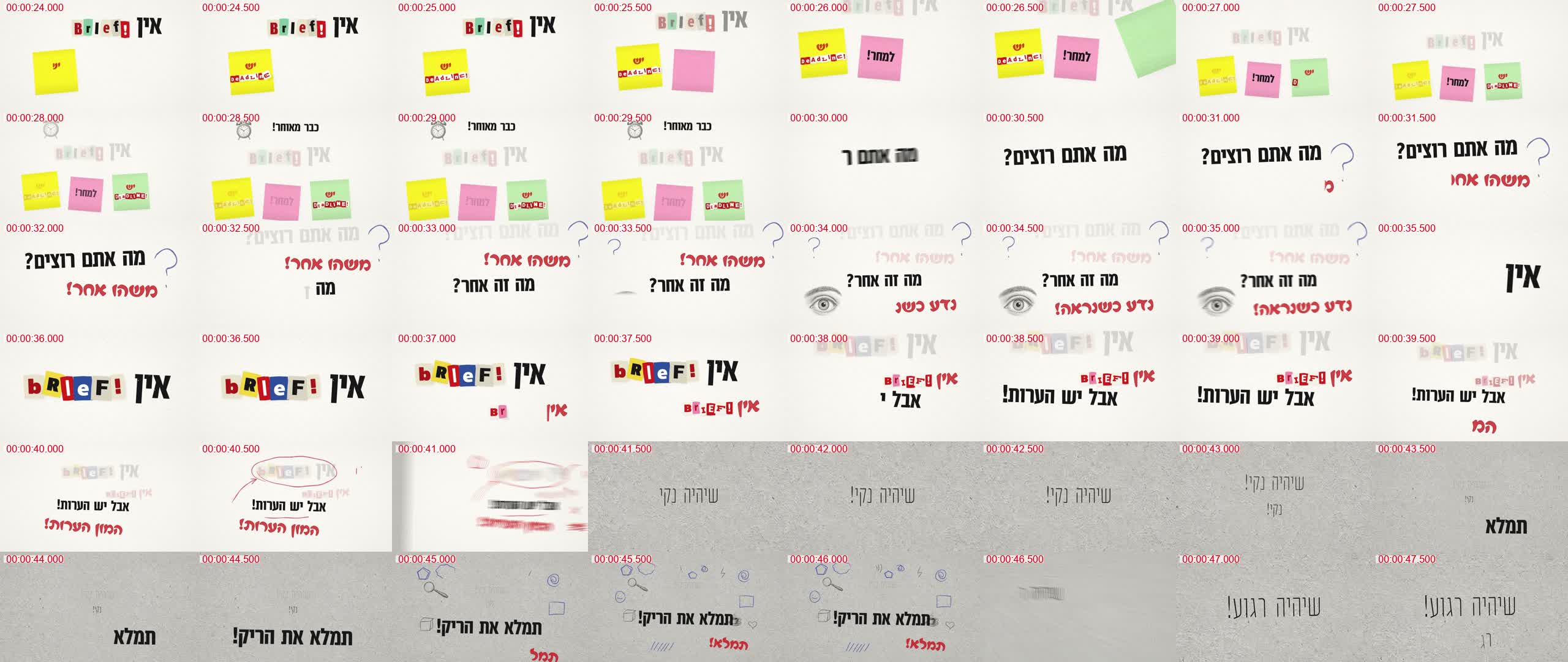
המצלמה עוקבת אחרי השורה
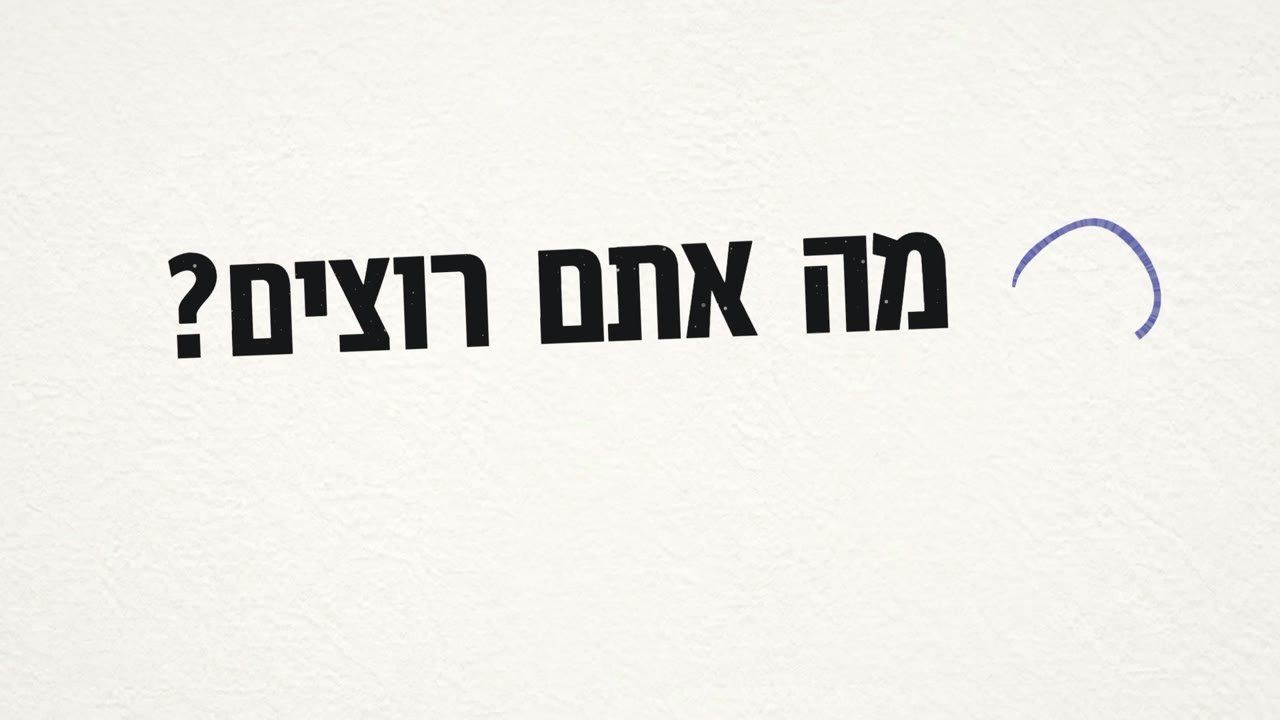
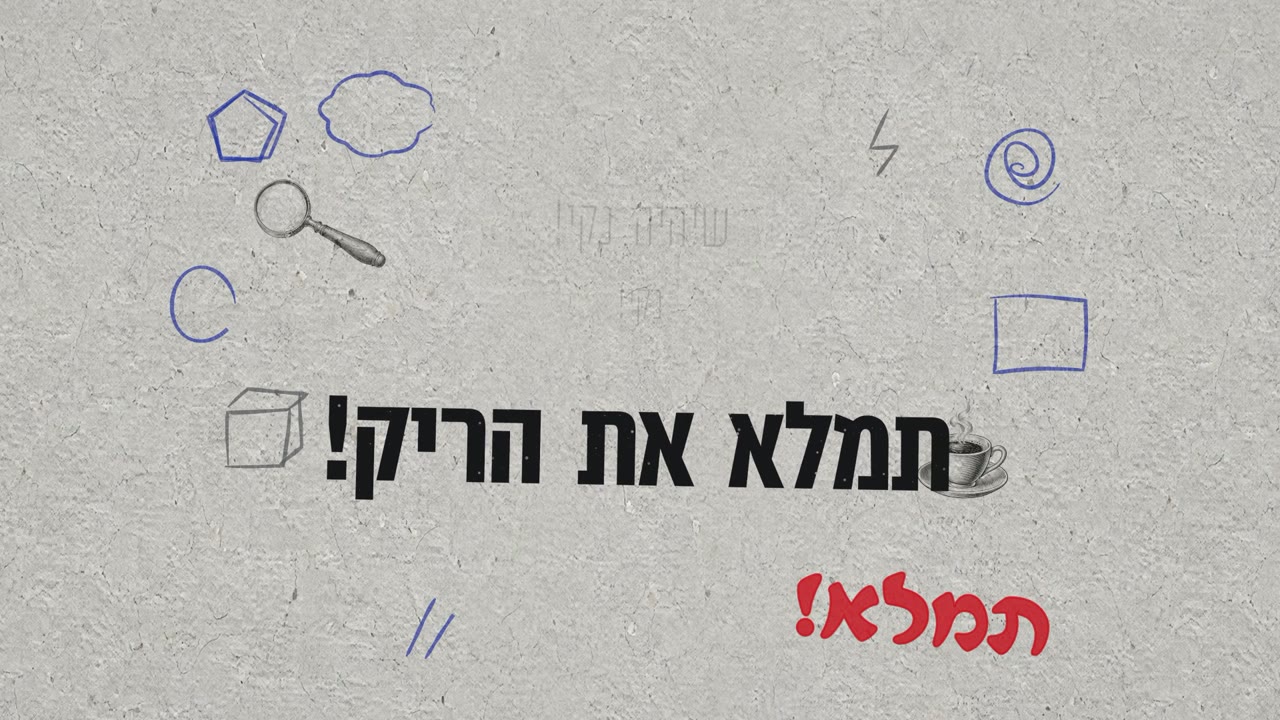
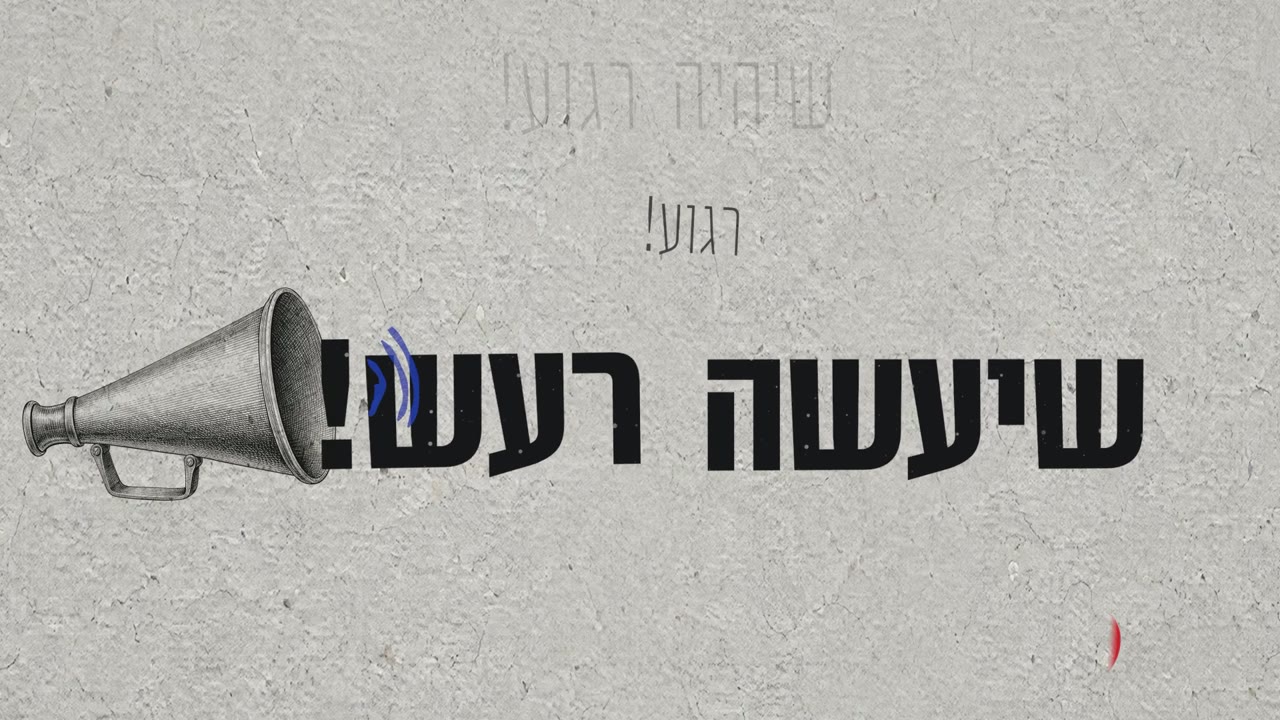
בגרסה 1 המצלמה צילמה את כל הדף מרחוק, והטקסט יצא קטן. בגרסה 9 היא נוסעת בתנועה רכה לשורה שנשמעת, והשורות שעברו דוהות.
לכל חפץ יש סיבה, וכל מילה קריאה
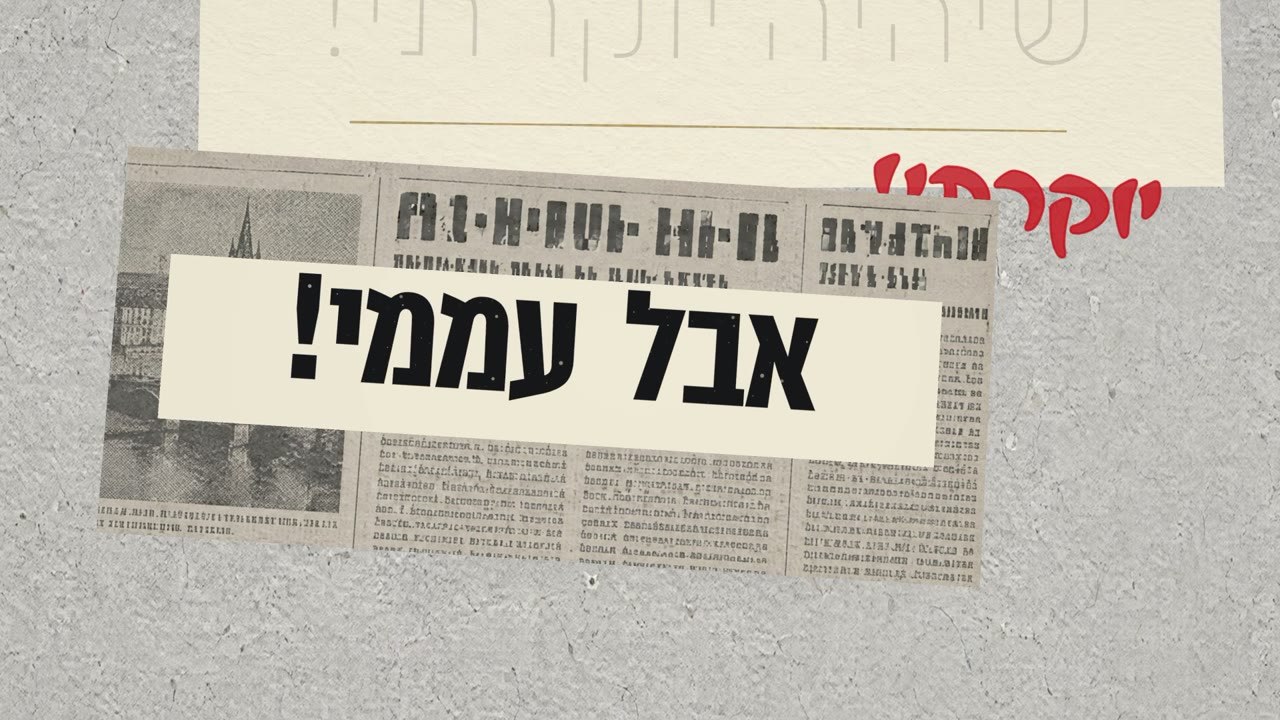
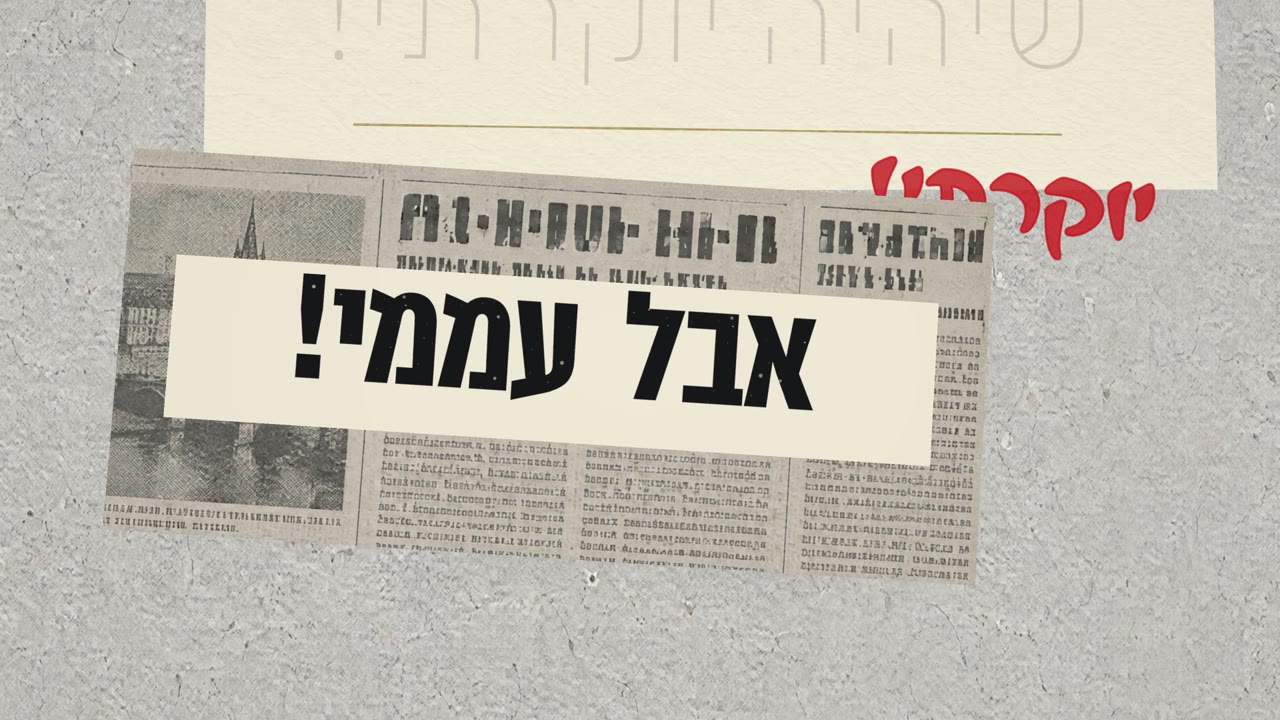
העיתון נוחת עכשיו בדיוק עם "אבל עממי!", והמילים מודפסות עליו ככותרת על פס נקי. הגופן של העיתון לא היה קריא, אז החלפנו אותו.
כתב יד שקוראים בלי לחשוב
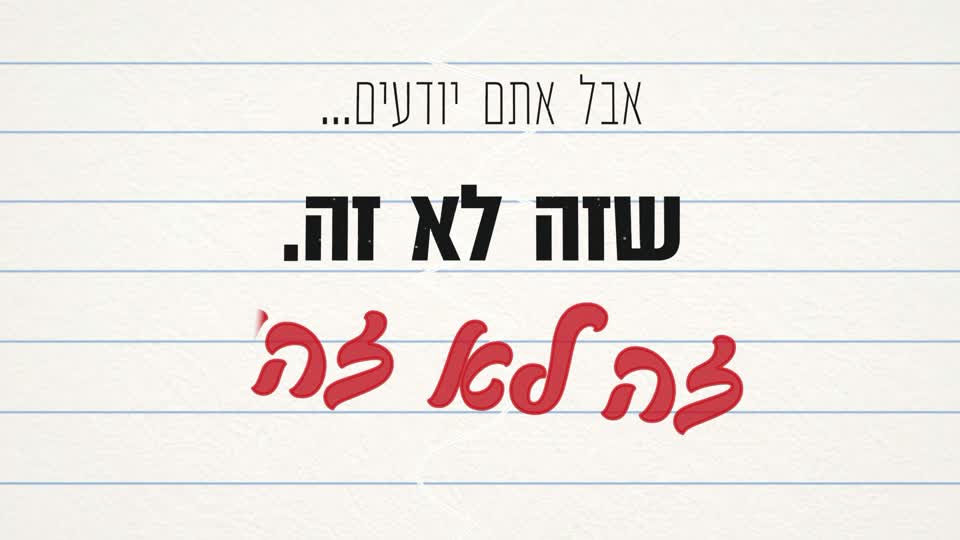
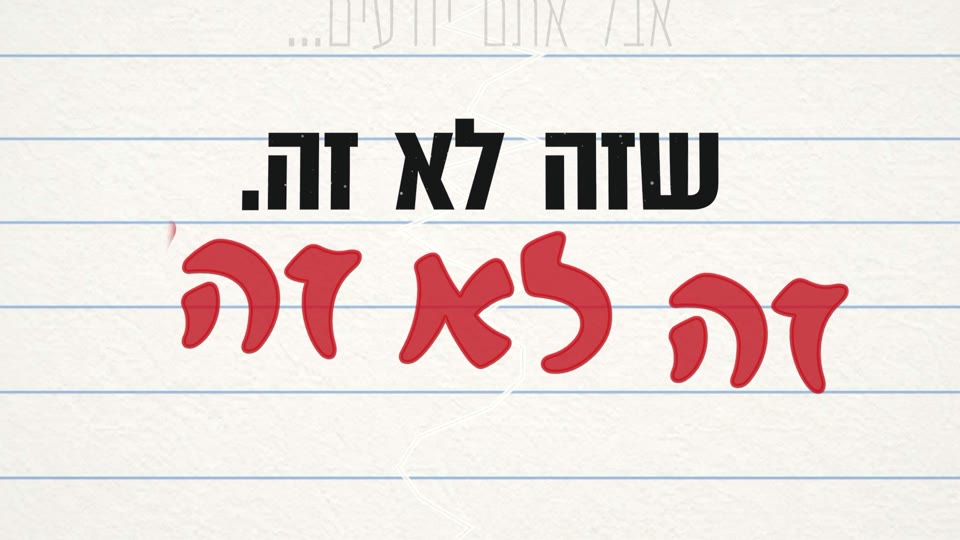
גופן הטוש הראשון היה כתב יד רהוט, ובו ז נראית כמו צ: "זה לא זה" נקרא "צה לא צה". השווינו 14 גופנים ובחרנו כתב טוש בדפוס.
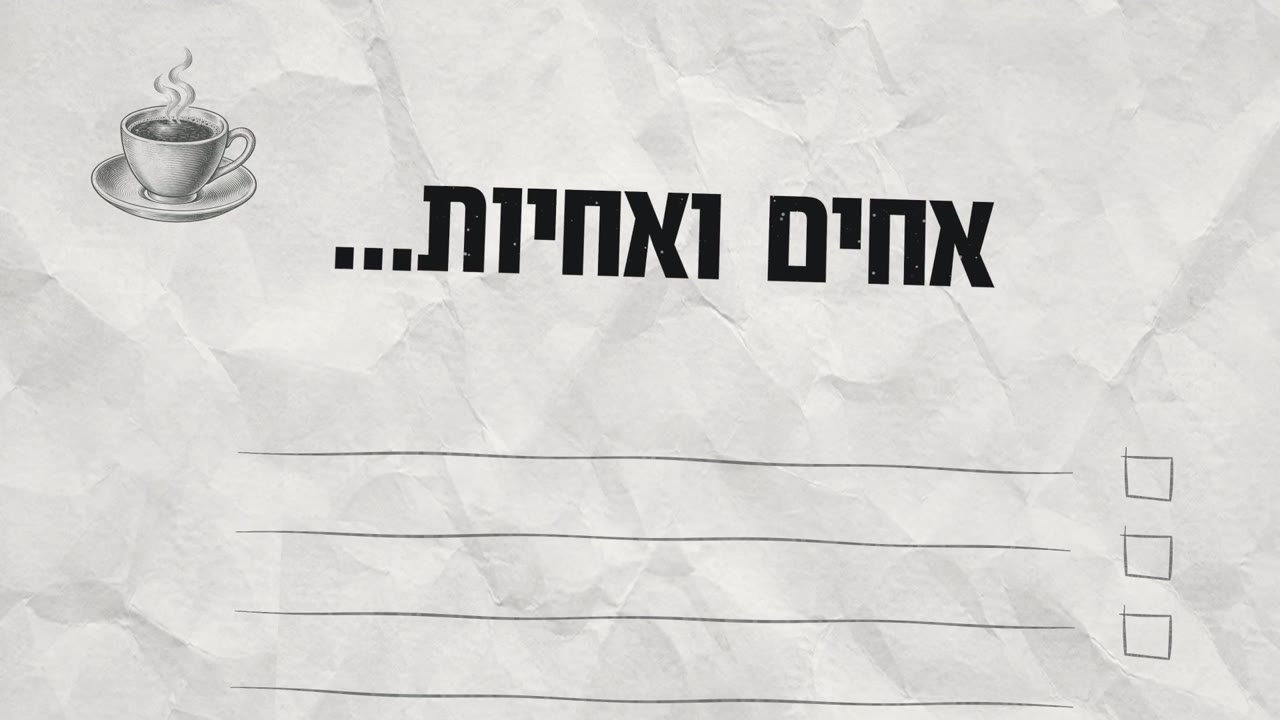
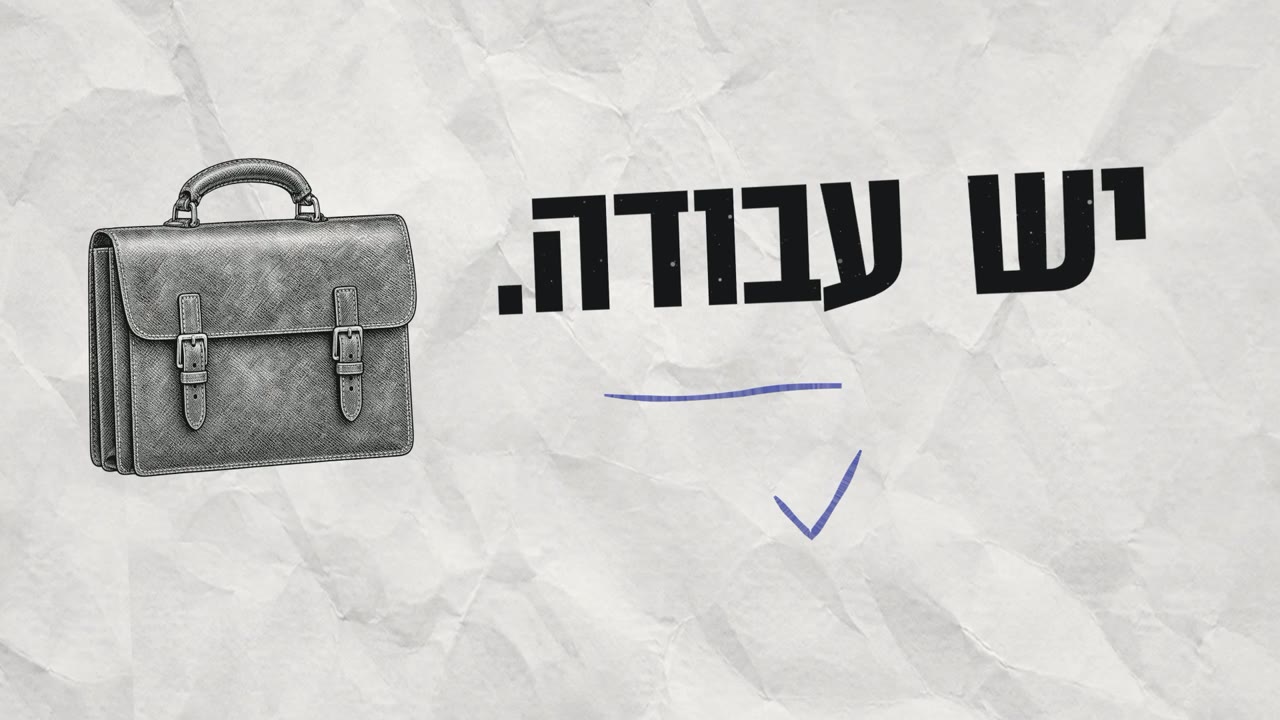
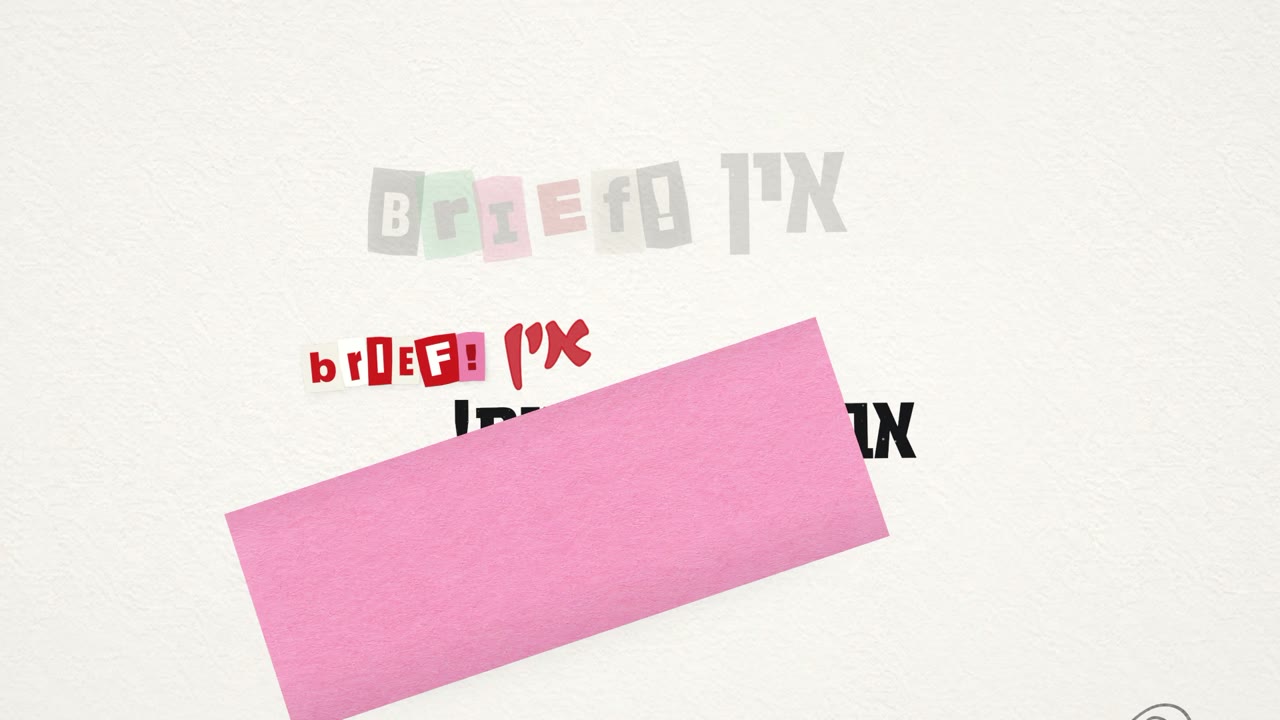
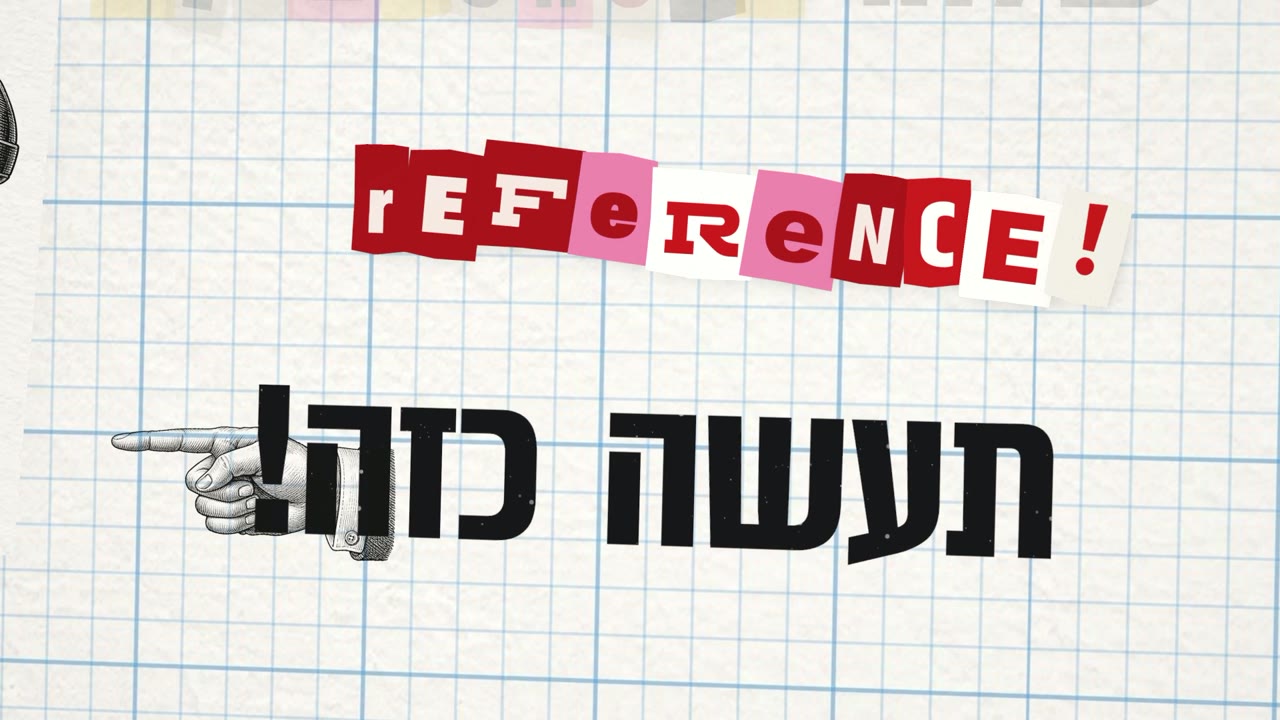
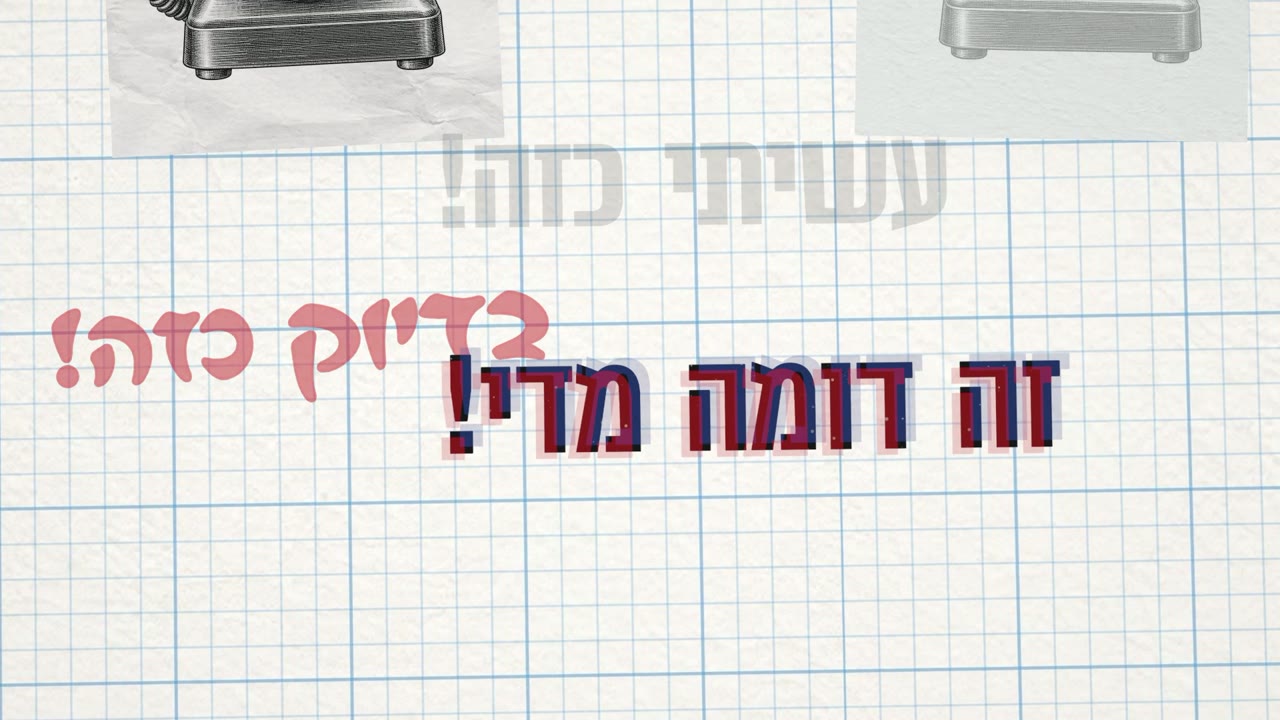
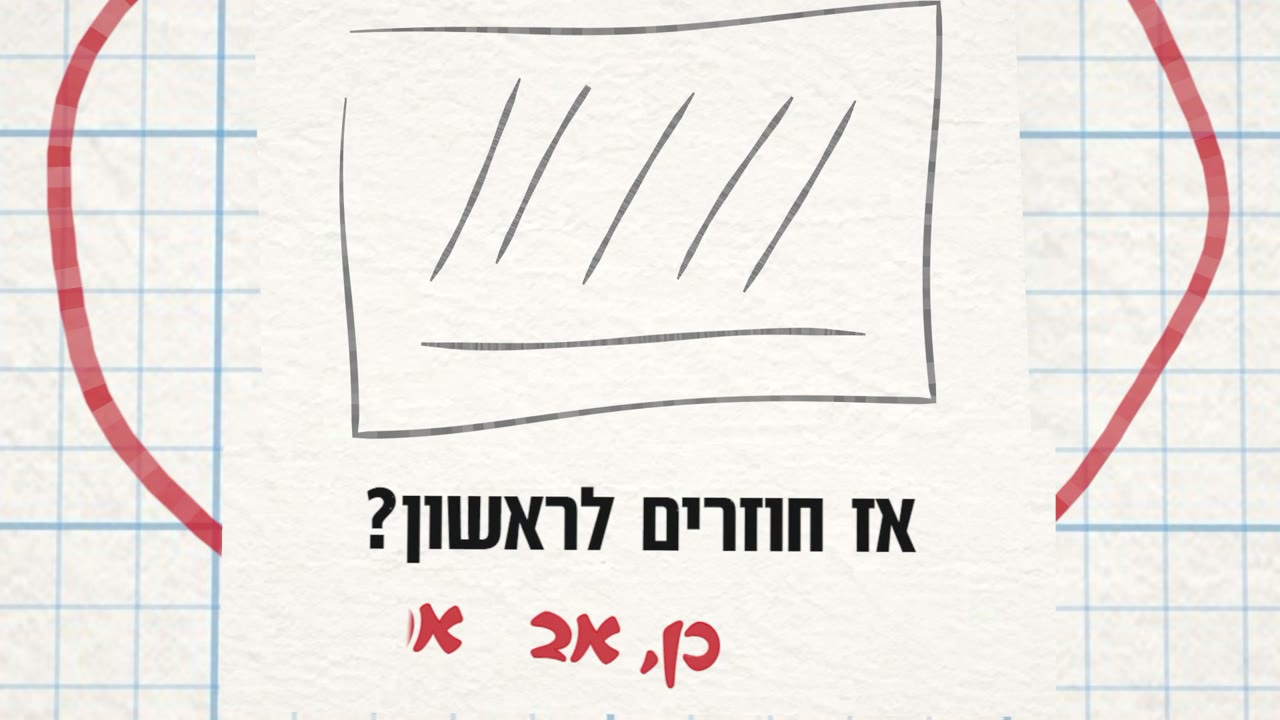
כל הקליפ, פריים כל כמה שניות
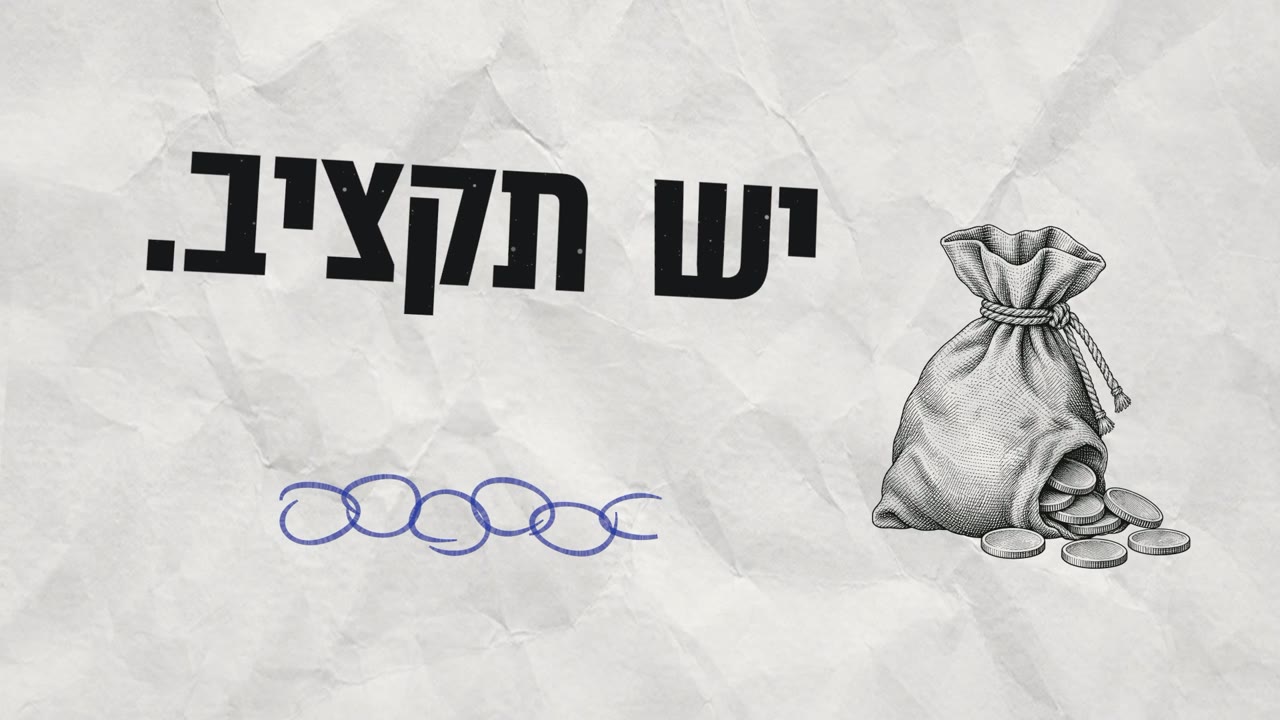
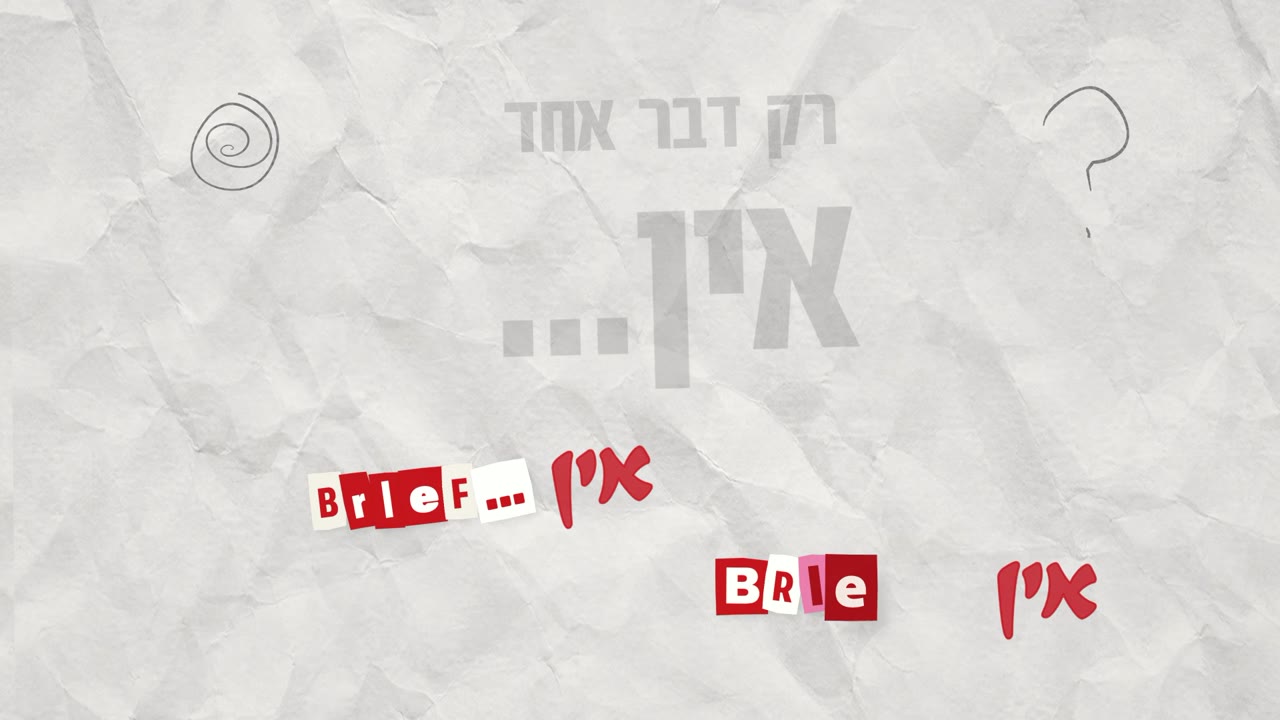
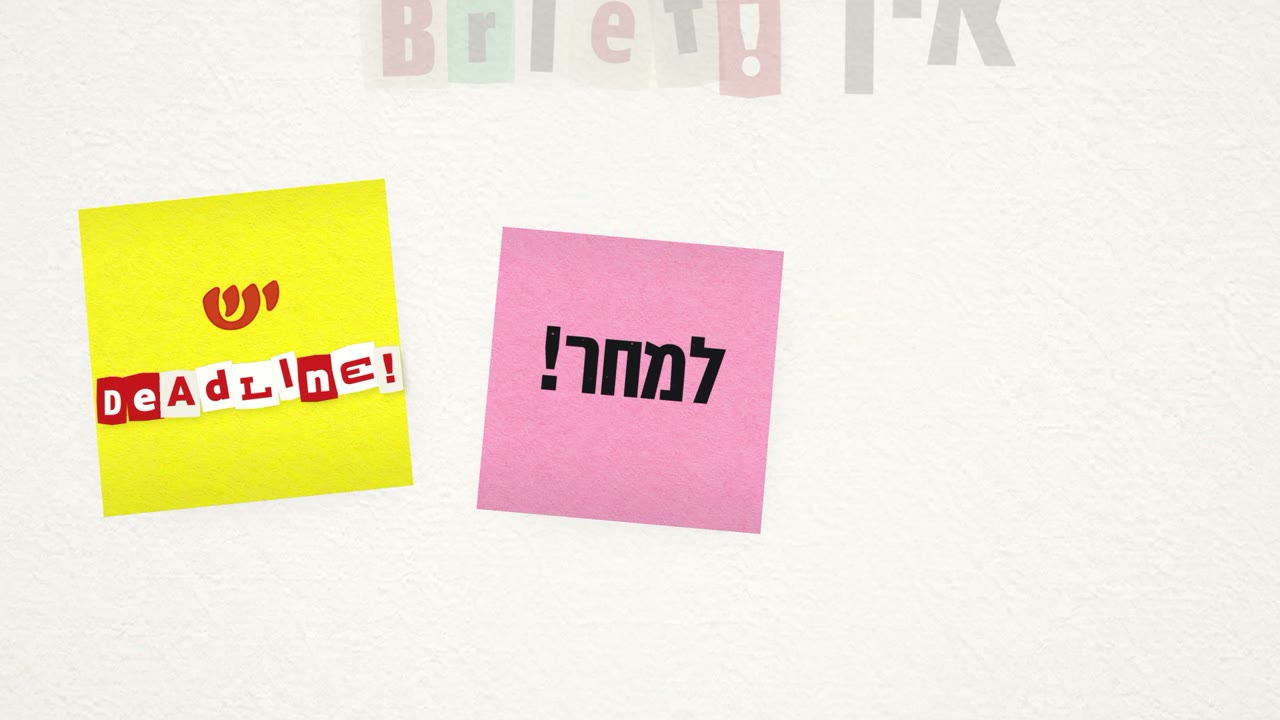
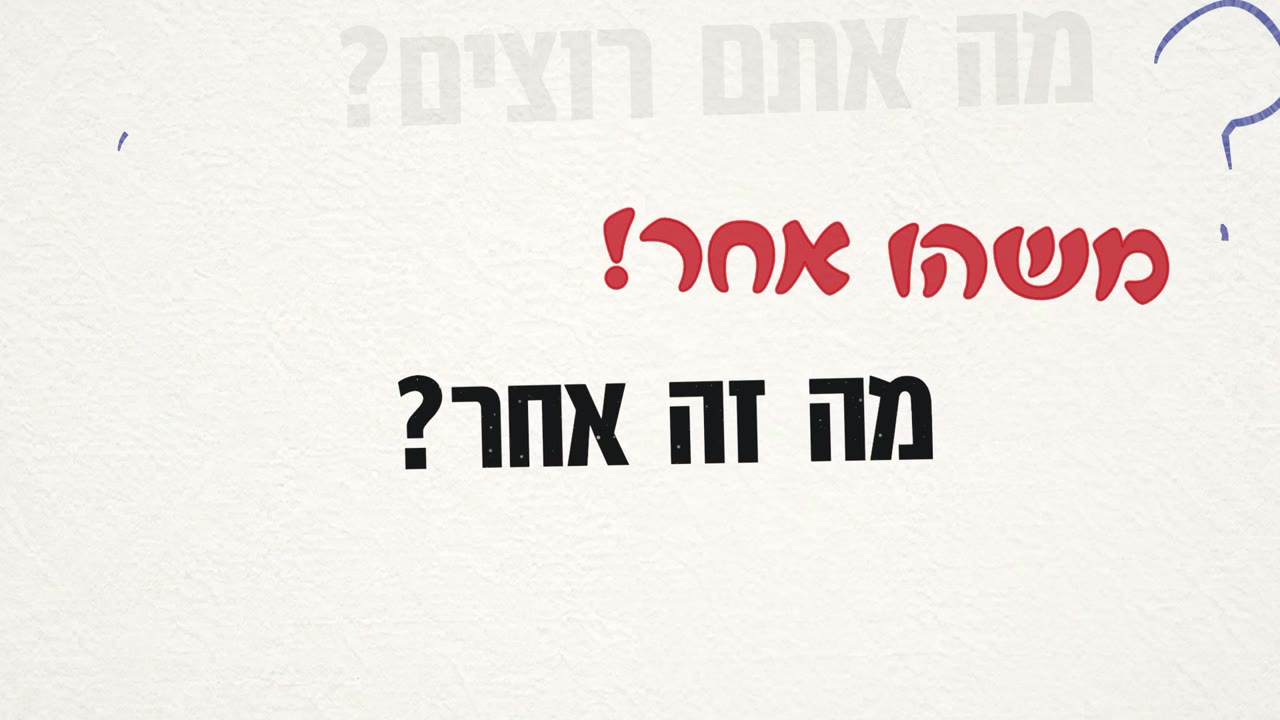

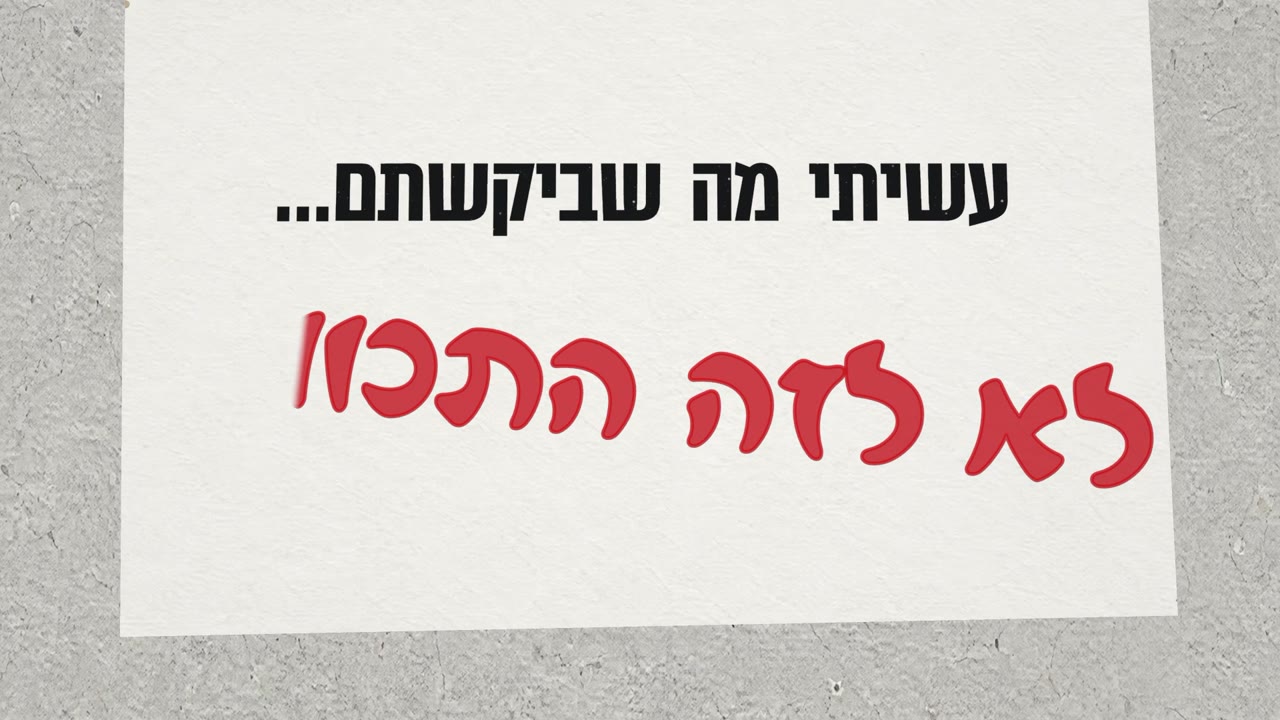
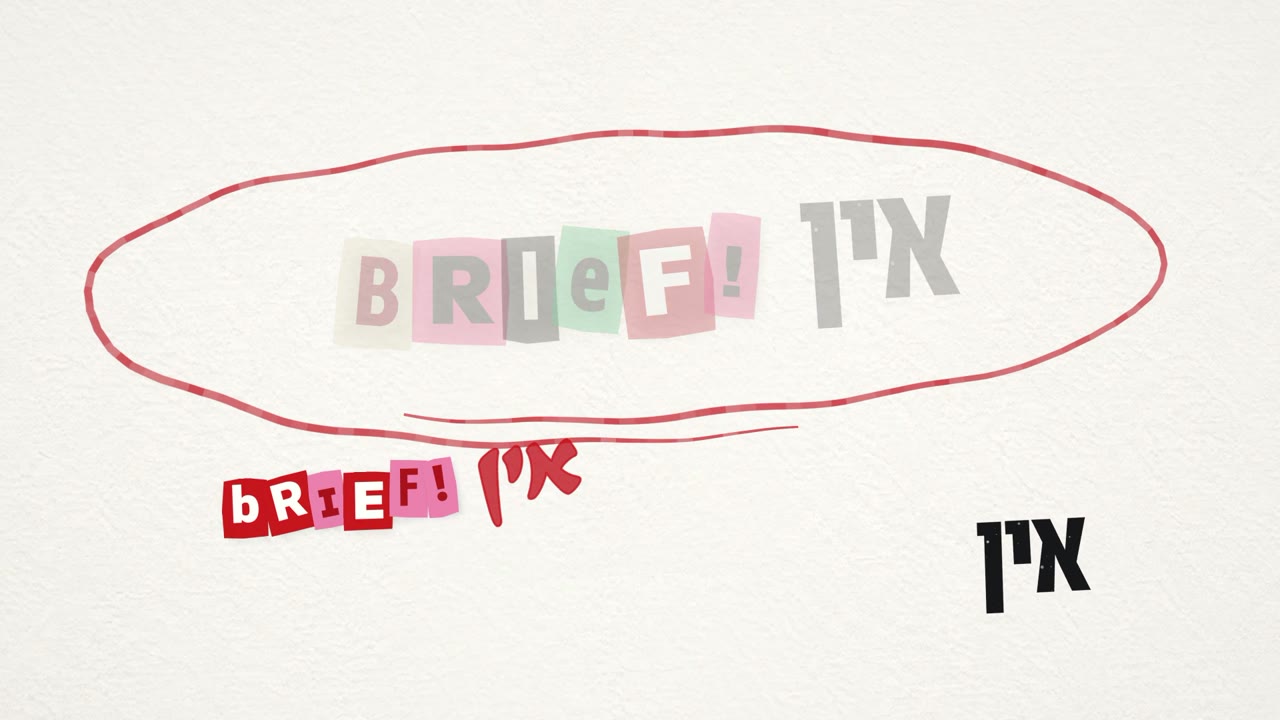
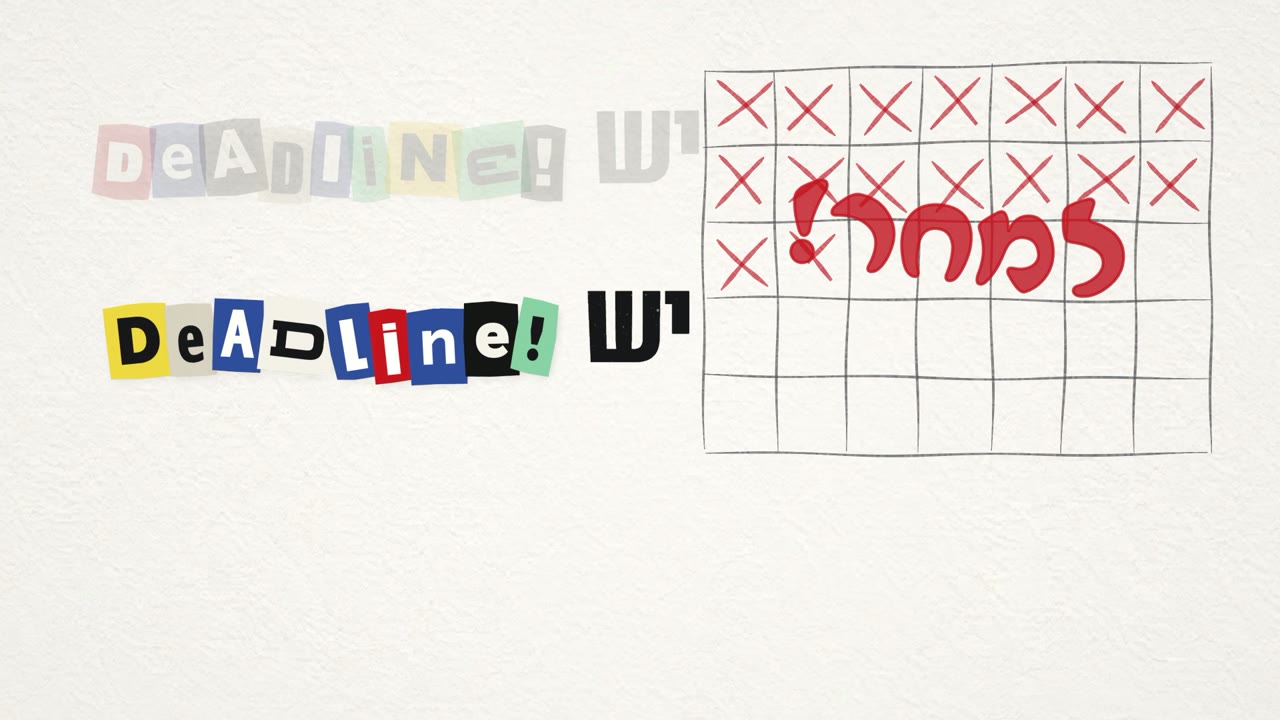
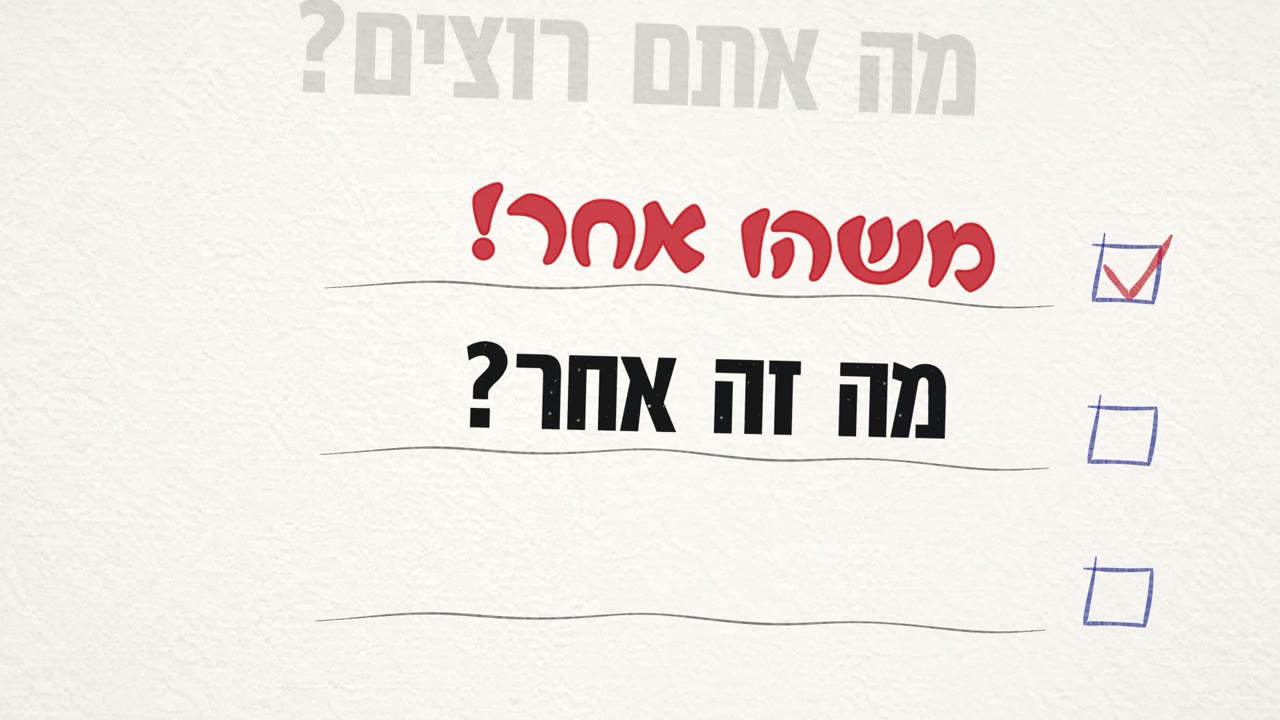

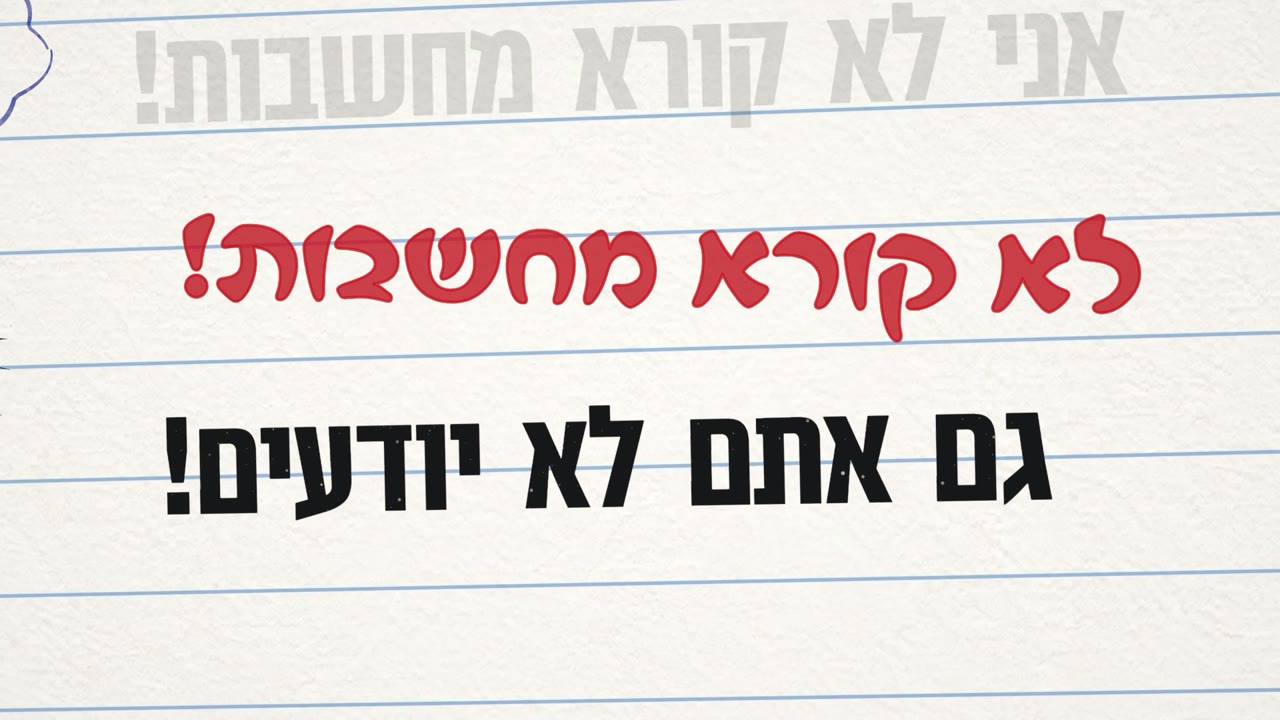
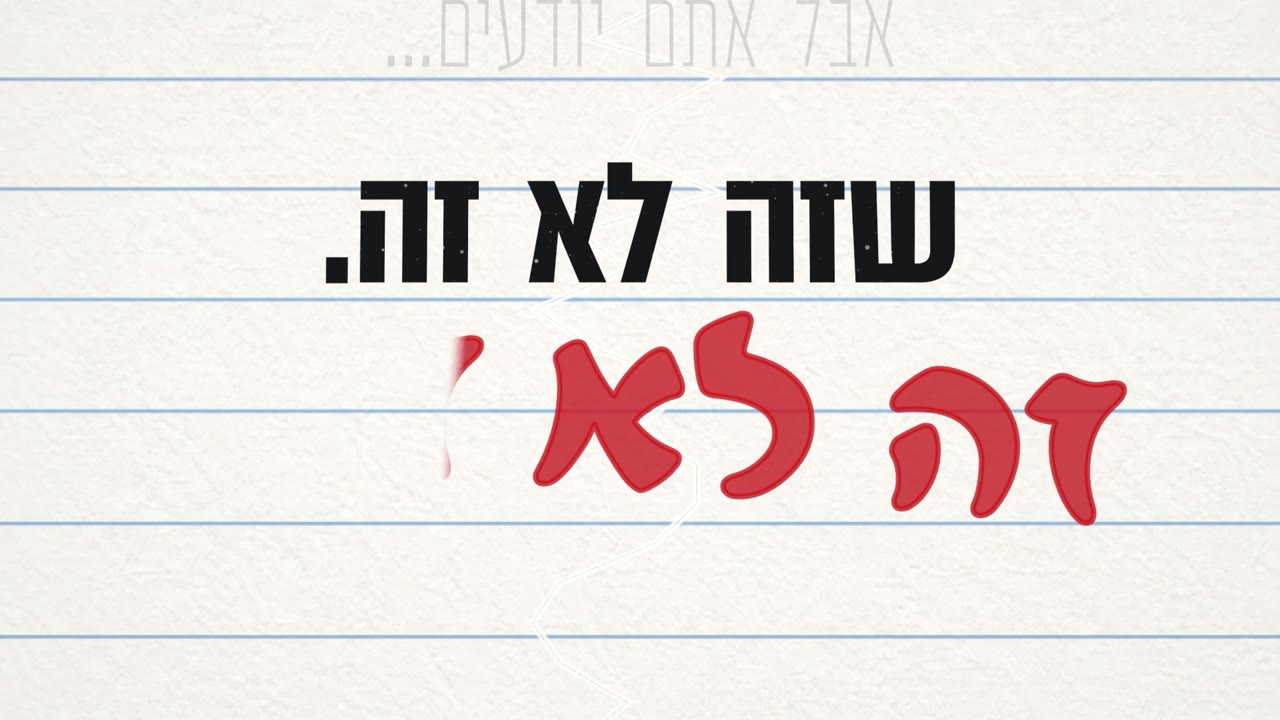
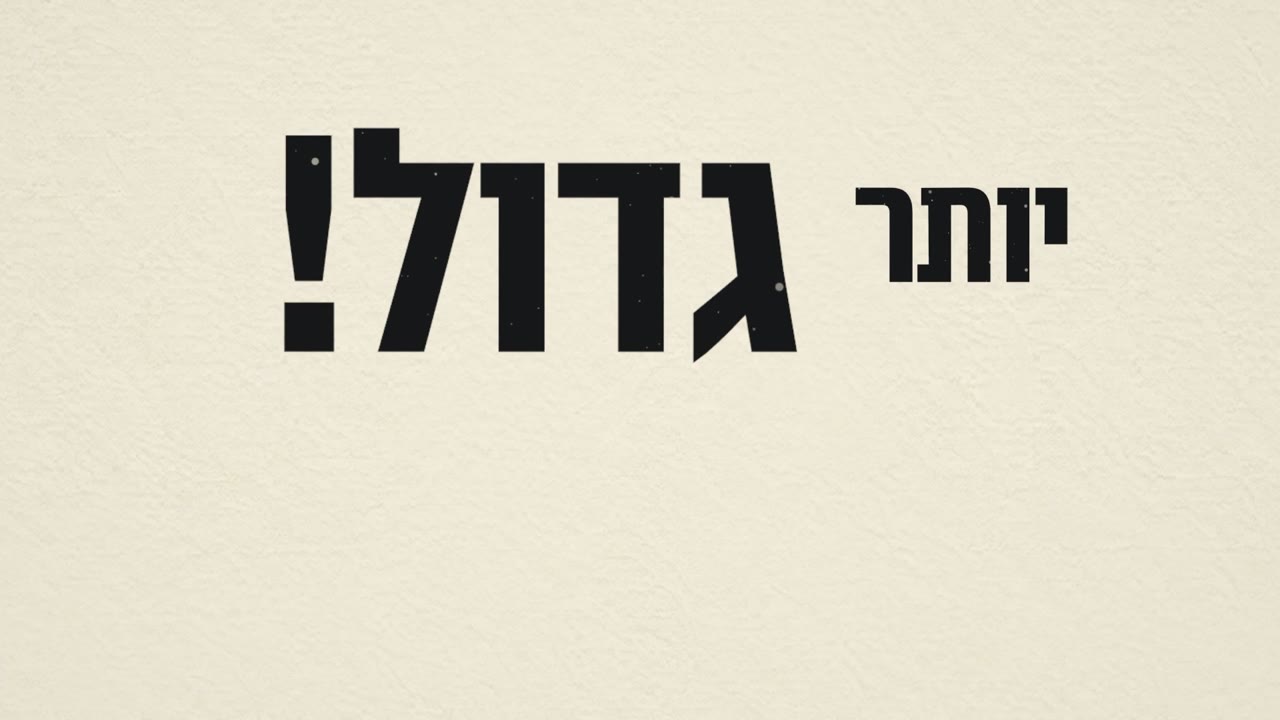

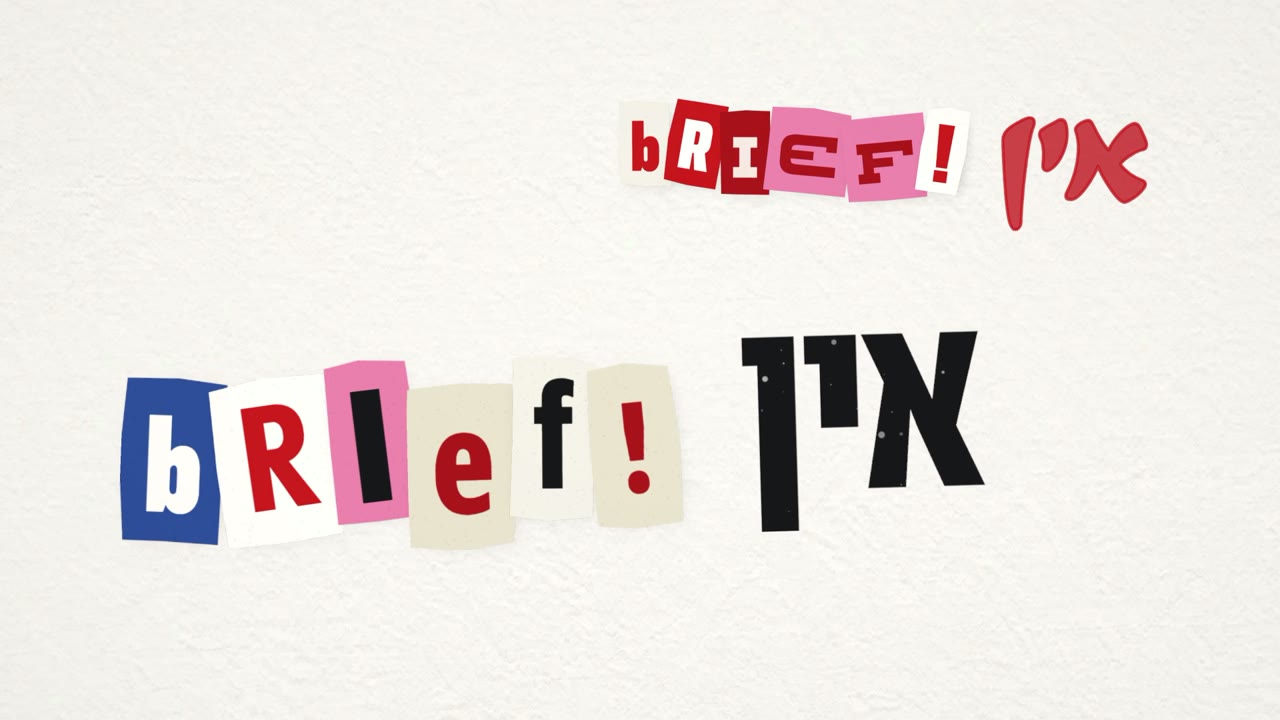
לקחים
איך לעשות את זה בעצמכם
מכינים חומרים
שיר, ובנפרד ערוץ סולן וערוץ מקהלה. אם השיר נוצר ב-Suno, מנוי Pro מאפשר לפרק אותו לערוצים. מסמך מילים, ובו כל מה שהמקהלה שרה בסוגריים. קליפ רפרנס אחד או שניים שאתם אוהבים.
מתקינים את ה-Skill
ב-Claude Code (אפליקציית הדסקטופ) או ב-claude.ai. בדסקטופ אפשר להריץ רינדור על המחשב ולבדוק פריימים, ולכן זה מה שהשתמשנו בו.
כותבים בריף כמו לבמאי
קונספט במשפט אחד, מה מותר ומה אסור (למשל "בלי מודלי וידאו בלי רשות"), מאיזה עולם הניירות והחומרים, ומה הכי חשוב. אצלי זה היה התזמון. הפרומפט שלי למעלה הוא תבנית טובה.
מגדירים הרשאות
מבקשים מ-Claude להוסיף כללי אישור קבועים לכלים של הפרויקט: רינדור, ffmpeg, Python וסקריפטי הבדיקה. פעולות שעולות כסף, כמו יצירת תמונות, נשארות באישור שלכם.
נותנים הערות קצרות על צילומי מסך
לא צריך לחכות לסוף. הערה כמו "לא להחליף רקע בכל שורה" מוקדם בתהליך חוסכת סבב שלם.
סבבים בסטוריבורד
מבקשים: "תבנה לי סטוריבורד להערות". כותבים רק על מה שצריך לתקן, ואומרים "כתבתי הערות, תקרא ותתקן". חוזרים על זה עד שאין הערות.
מסיימים
כשהכל מאושר, מבקשים רינדור סופי ב-4K, ומבקשים מ-Claude לכתוב את הלקחים בתוך ה-Skill, כדי שהפרויקט הבא יתחיל משם.
הורדות
בתיקייה skill/scripts נמצאים כלי הבדיקה: דף פריימים, בדיקת קליפ (פריים שחור, רגע קפוא, קפיצה) ובדיקת מילים מול השירה.